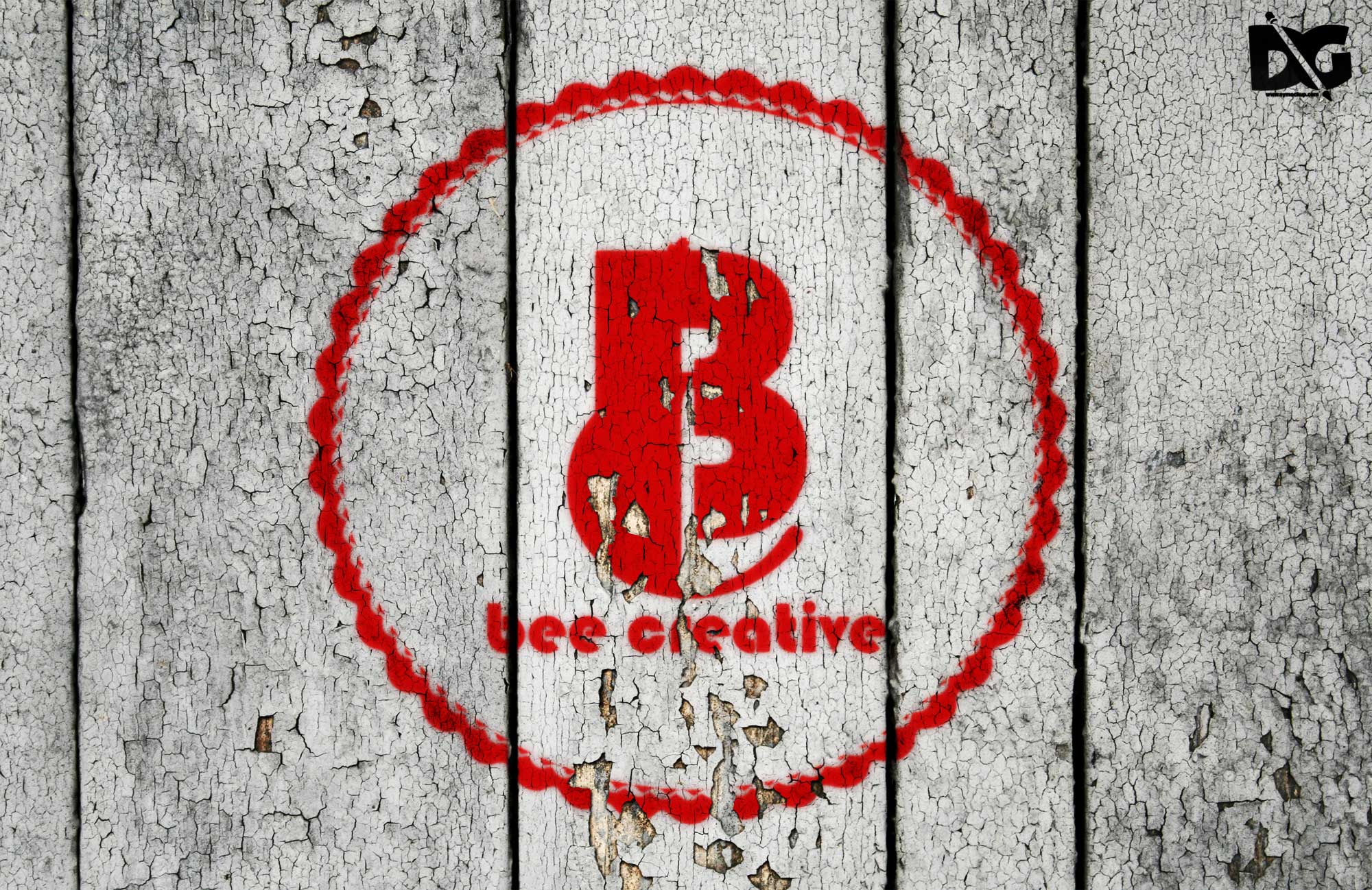
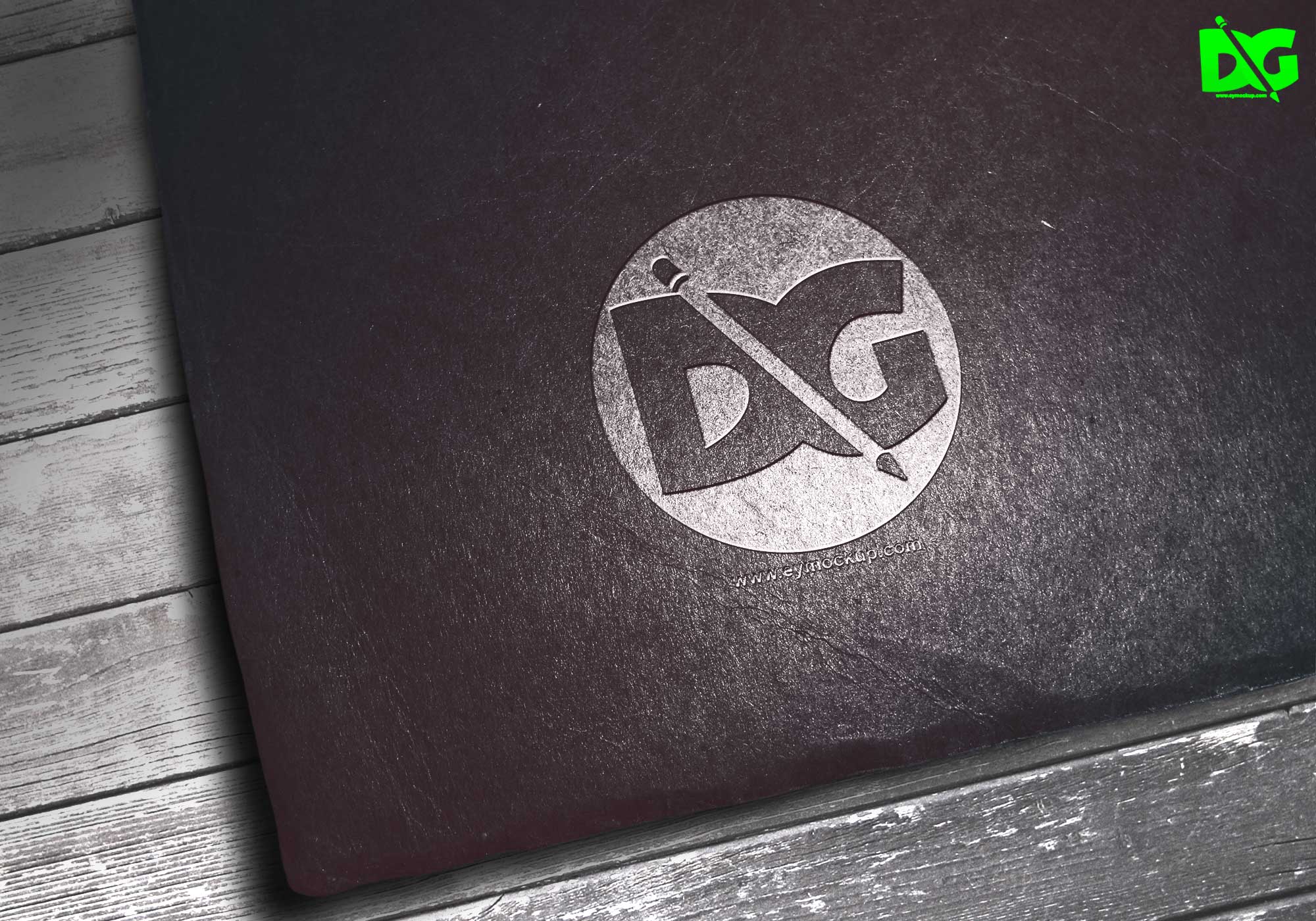
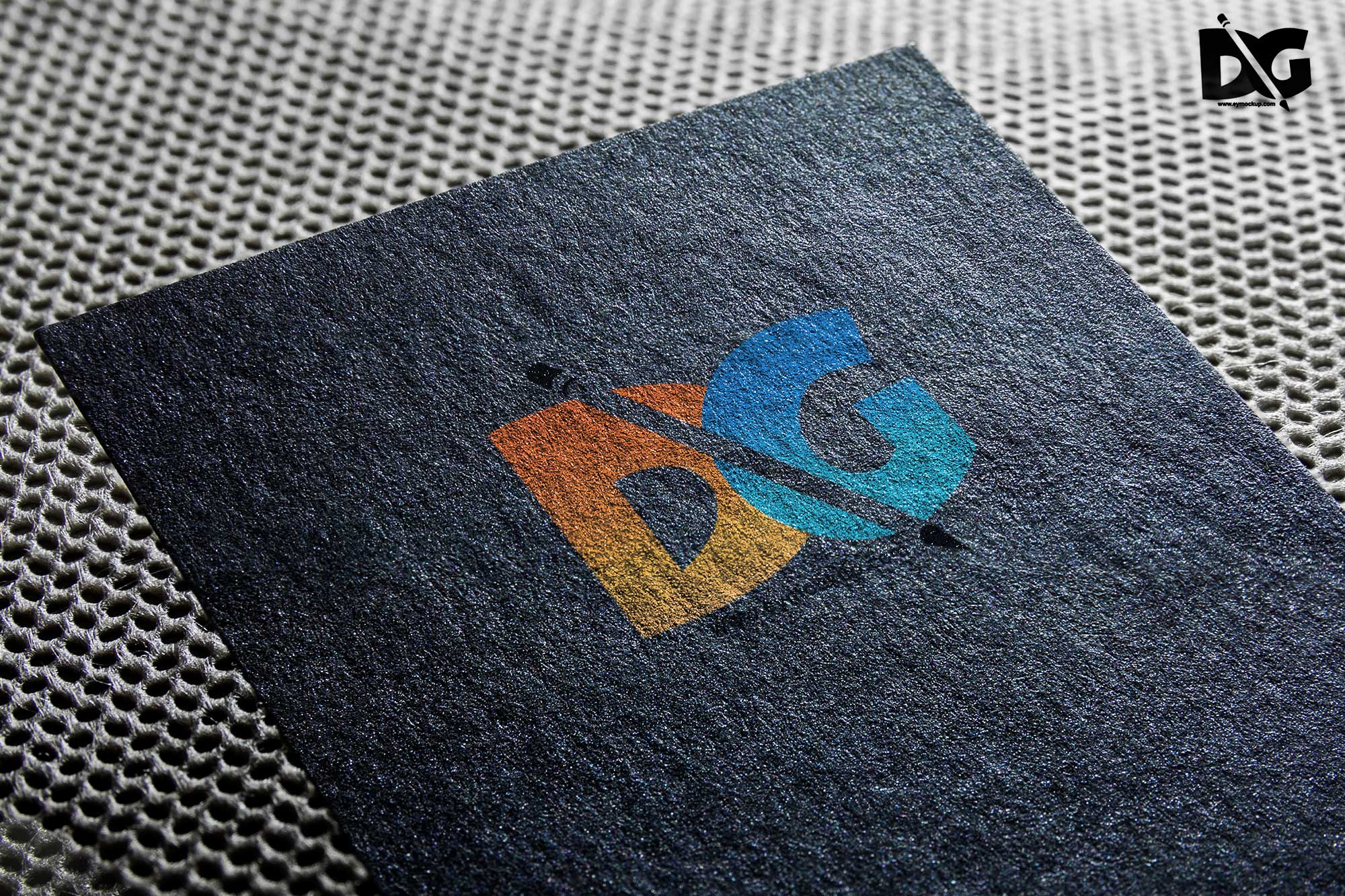
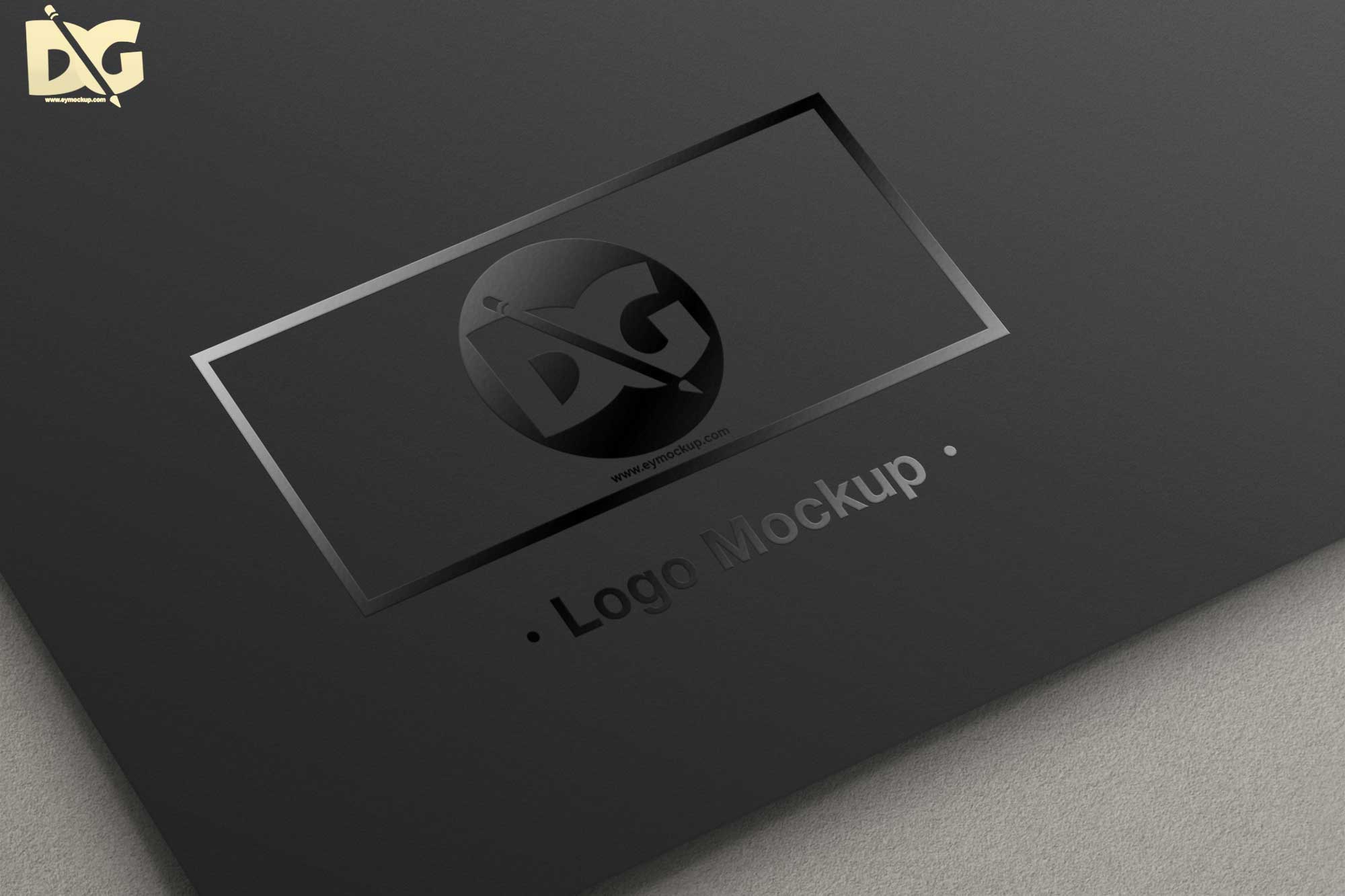
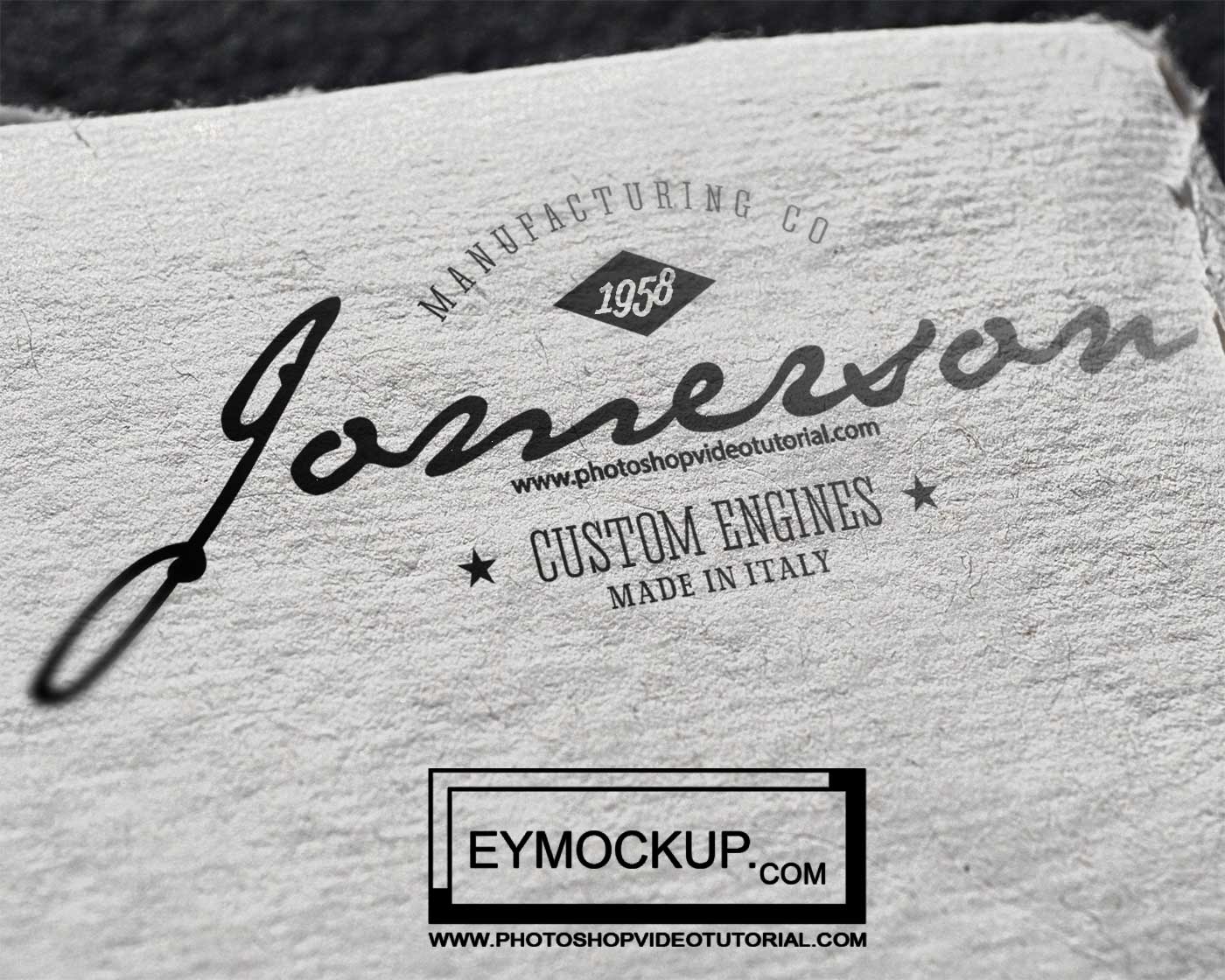
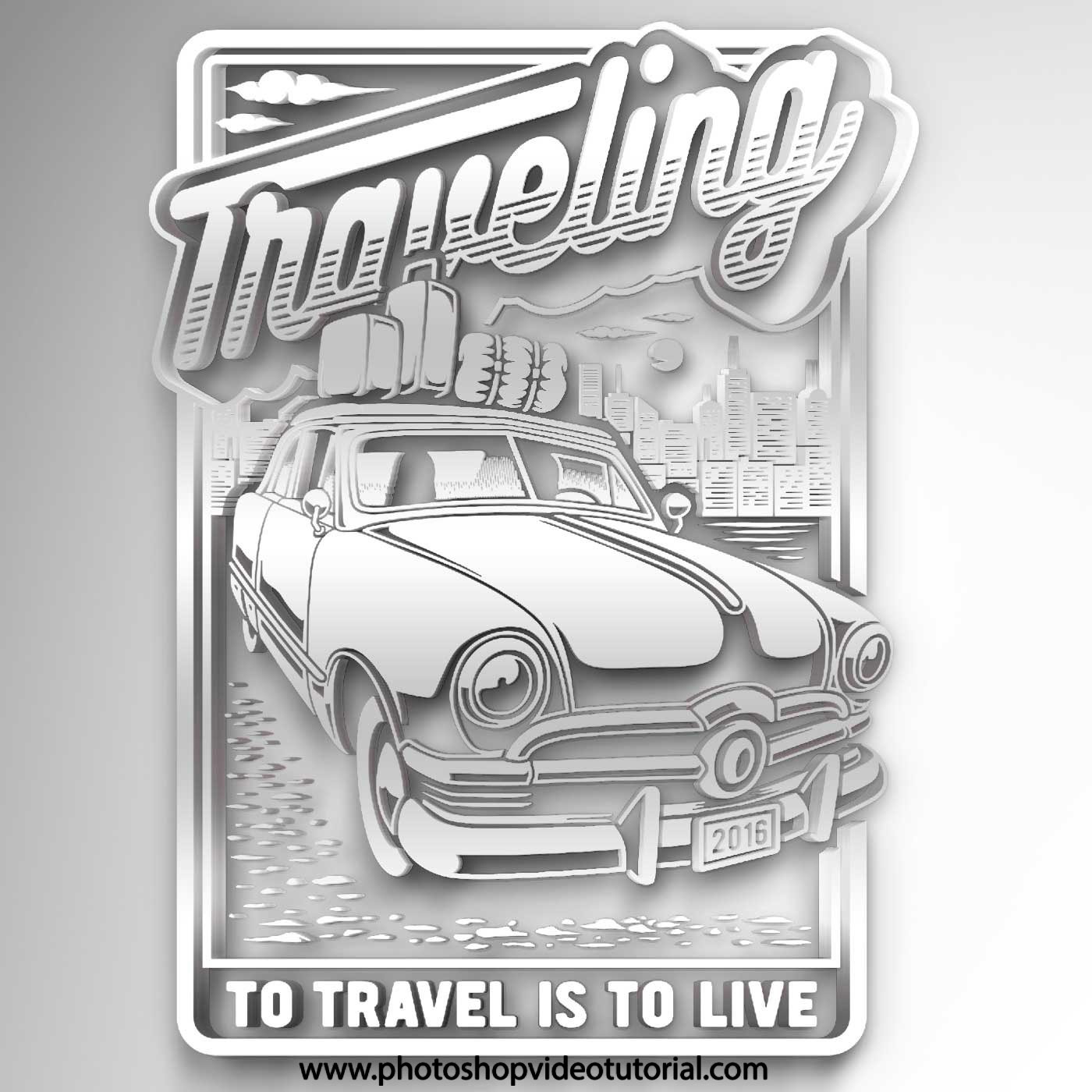
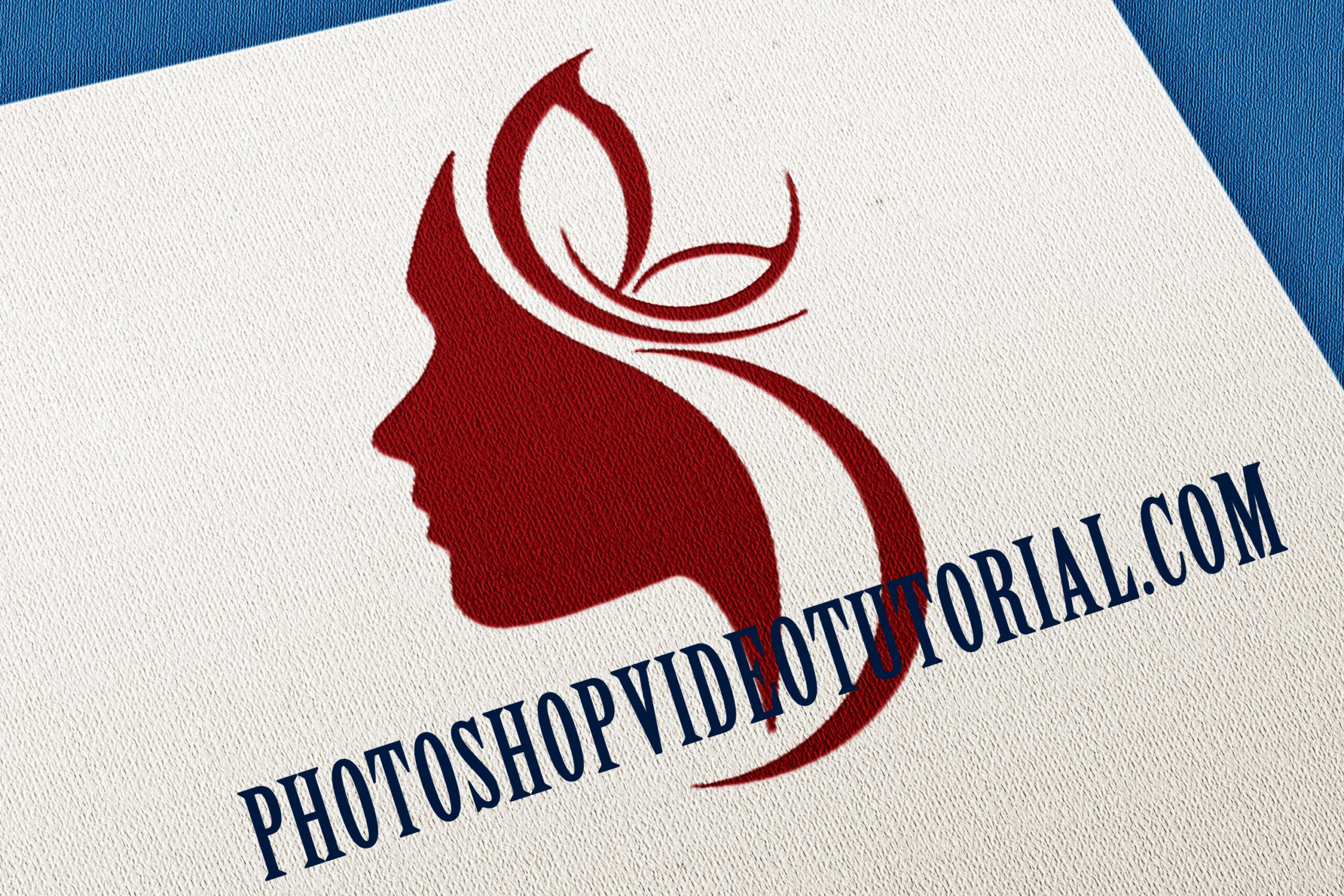
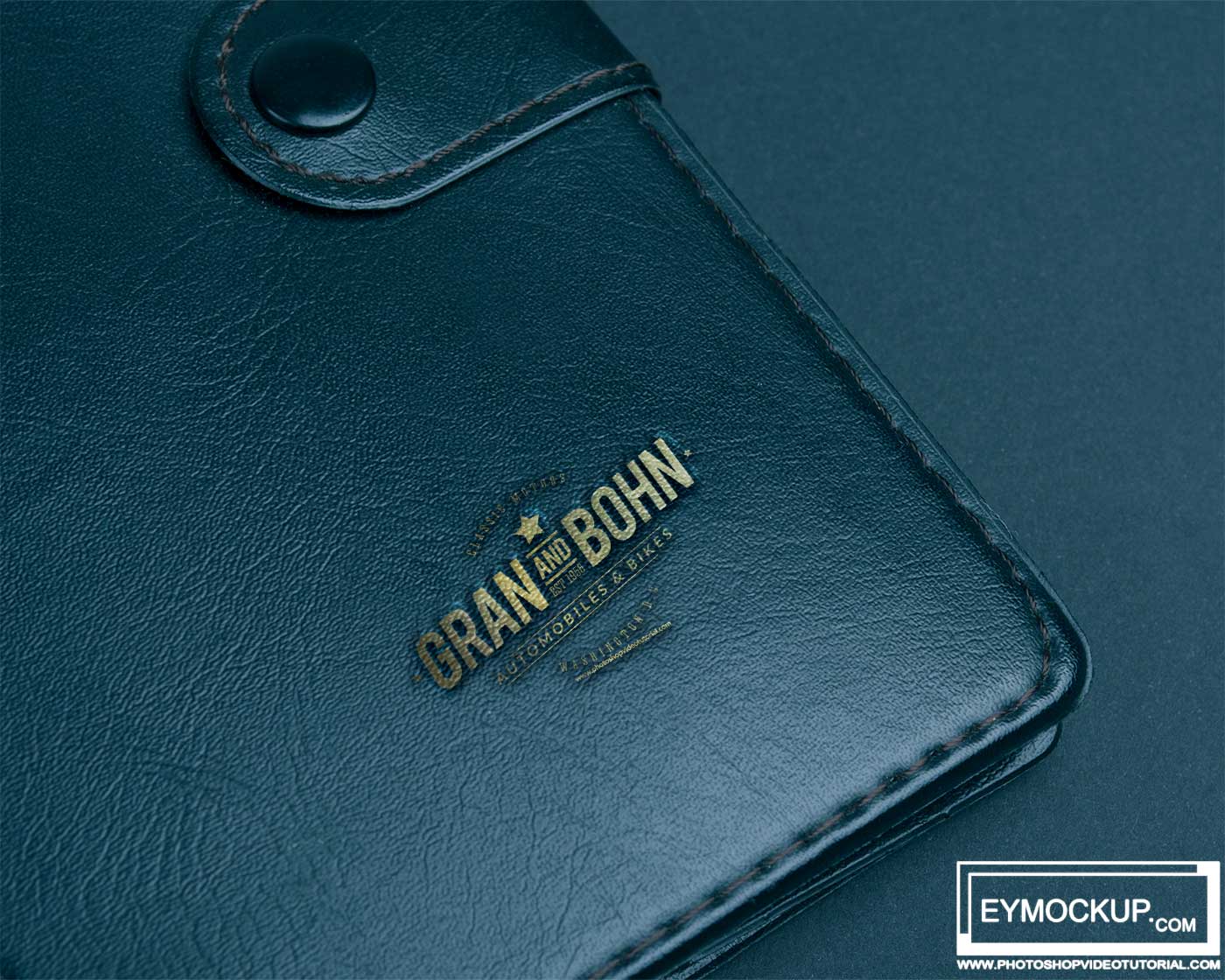
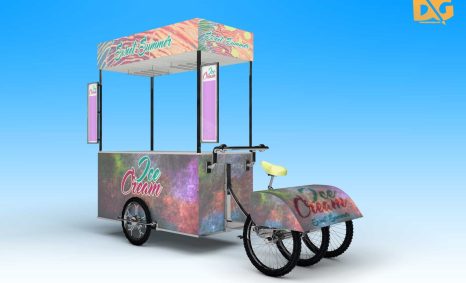
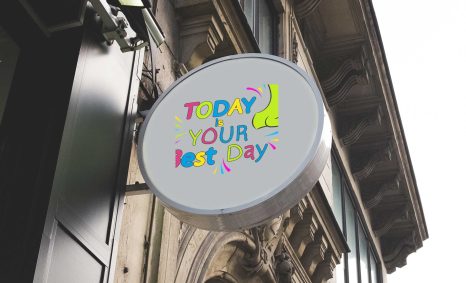
Creating eye-catching 3D logo mockups is essential for showcasing your brand identity effectively. With the right tools and techniques, you can elevate your designs and present them in a professional light. This guide will walk you through the steps to build impressive mockups that not only attract attention but also communicate your brand’s message clearly.
Utilizing high-quality resources and understanding the basics of mockup creation can significantly enhance your design portfolio. Whether you’re a seasoned designer or just starting, these mockups will provide versatility for various projects, allowing you to visualize how your logo will look in real-life applications. Let’s dive into the world of 3D logo mockups and discover how to make your designs stand out.
All of these Resources are easy to use and can present your information beautifully. Some are free, while others cost a few dollars.More great & free PSD Mockups Collection:
- Free PSD Mockups for Books and More!
- 3D Packaging PSD Mockups
- PSD Burger Food Truck Design Mockup
- Jam Jar Twitch Mockups Templates
FAQs – Wow Building 3d logo Mockups
Can I edit the 3D logo mockups in Photoshop?
Yes, you can easily edit the 3D logo mockups in Photoshop. Simply open the file, and you’ll find smart objects ready for customization.
What formats are available for the 3D logo mockups?
The 3D logo mockups are typically available in PSD format, which is compatible with various design software, ensuring versatility for your projects.
Is it easy to change the lighting in the mockups?
Absolutely! Most 3D logo mockups come with adjustable lighting settings, allowing you to create the perfect ambiance that complements your design.
Do I need advanced skills to create 3D logo mockups?
No advanced skills are required. Basic knowledge of graphic design and familiarity with Photoshop can help you create stunning mockups.
What are the best practices for using 3D logo mockups?
Ensure your logo is high-resolution and fits the mockup’s perspective. Experiment with different backgrounds and lighting for the best presentation.