PSD Mockup
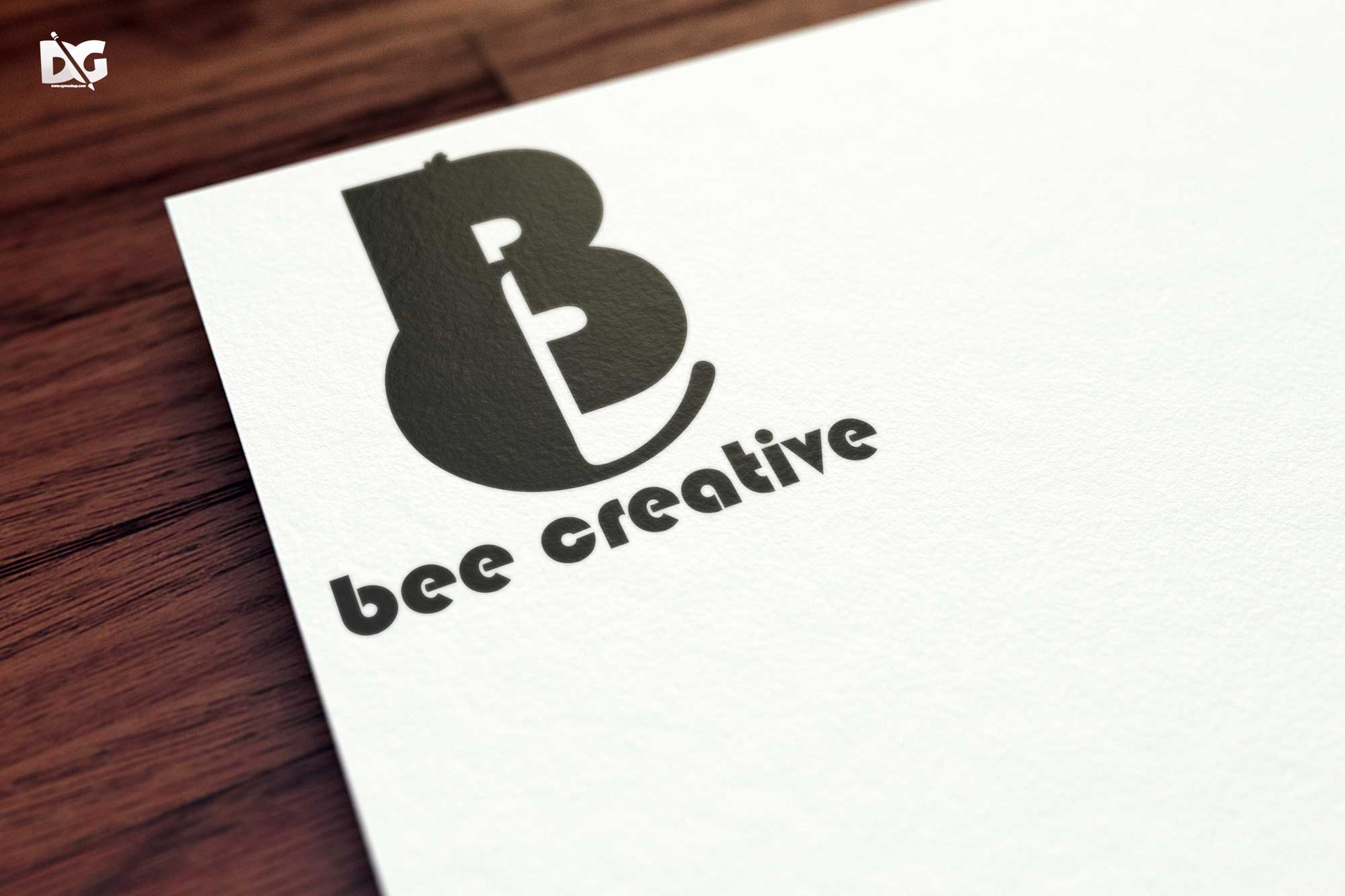
Discover a collection of clean paper logo mockups in PSD format, perfect for showcasing your designs with style. These mockups provide a realistic representation of your logo on textured paper backgrounds, enhancing its visual appeal. Each mockup is designed to help you present your logo professionally, making it ideal for portfolios, client presentations, or marketing materials.
Our clean paper logo mockups are easy to use and fully customizable in Photoshop. Simply drag and drop your logo into the smart object layer, adjust the lighting, and you’re ready to impress. These mockups not only save you time but also elevate your brand’s image with high-quality presentations. Get started today and let your logo shine on these beautifully crafted mockups.
Get 3D Logo MockupsAll of these Resources are easy to use and can present your information beautifully. Some are free, while others cost a few dollars.More great & free PSD Mockups Collection:
- Hardcover book mockup free
- Prime Flyer Mockup PSD Template
- Professional flyer templates free download
- Freebie Logo Mockup PSD Download
FAQs – Clean Paper Logo Mockups PSD
Can I edit the clean paper logo mockups in Photoshop?
Yes, the mockups are designed for easy editing in Photoshop. Simply use the smart object layers to insert your logo.
Does it matter what resolution I use for my logo?
For the best results, use a high-resolution logo to ensure clarity and sharpness in the mockup presentation.
Is it possible to change the background color?
Absolutely! You can customize the background color or texture in Photoshop to better match your branding.
What file format are the mockups provided in?
The mockups are provided in PSD format, compatible with Adobe Photoshop for seamless editing.
Do I need advanced Photoshop skills to use these mockups?
Not at all! The mockups are user-friendly, and basic Photoshop skills are sufficient to achieve great results.