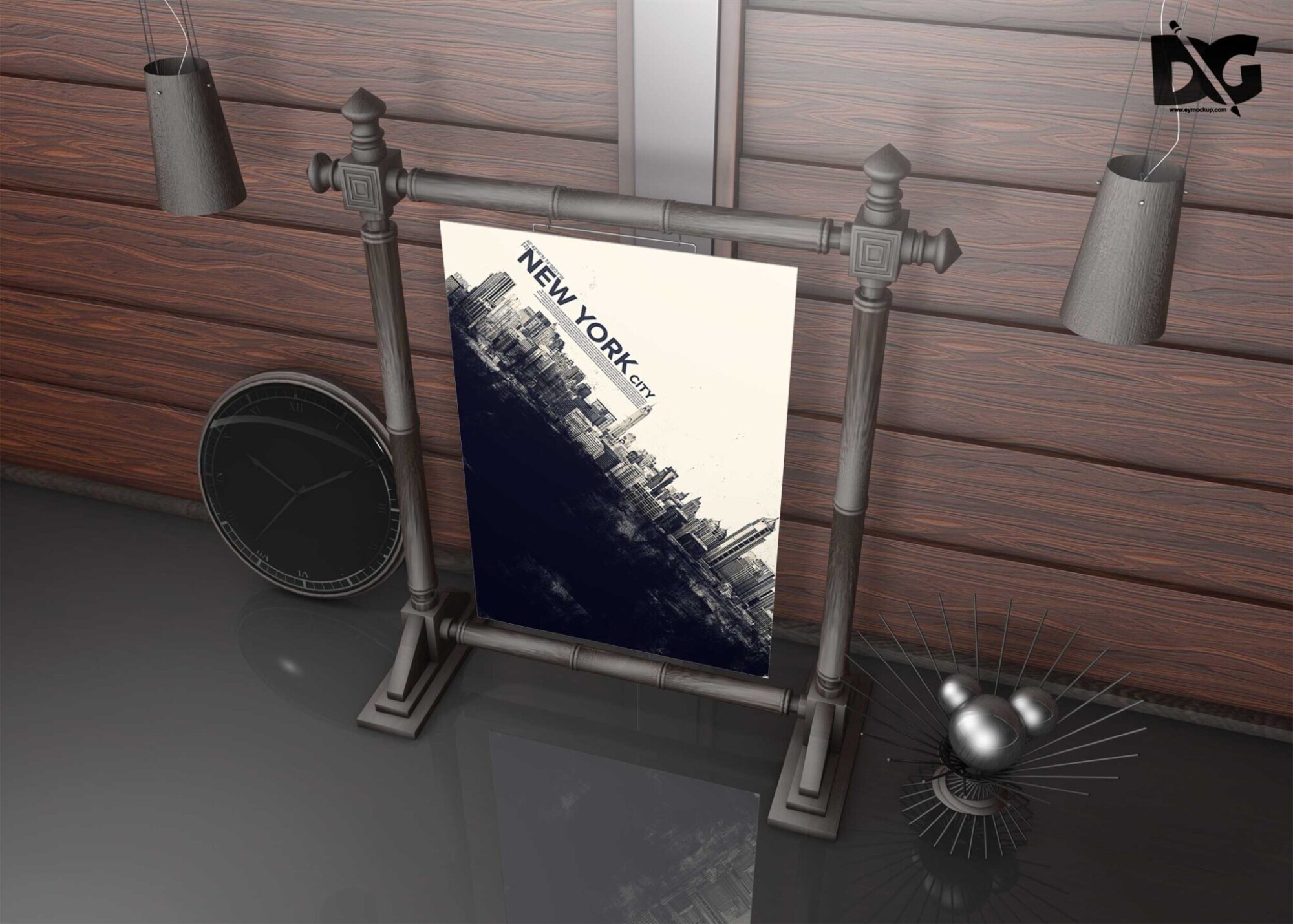
Elevate your design projects with our free Costa Coffee poster mockup. This high-quality mockup allows you to showcase your artwork in a realistic coffee shop setting, perfect for presentations or promotional materials. Whether you’re designing for a coffee brand or creating an event poster, this mockup adds a professional touch that captivates your audience.
The mockup is easy to use, requiring only a few simple steps to insert your design. It’s compatible with Adobe Photoshop, making it accessible for both beginners and experienced designers. With smart object layers, you can effortlessly edit the mockup to fit your creative vision. Download now and bring your poster ideas to life!
All of these Resources are easy to use and can present your information beautifully. Some are free, while others premium poster mockups cost a few dollars.
With these ready-made Photoshop Free PSD poster mockups, you can quickly place your art in a realistic setting without having to go through all the trouble of getting it printed out.
Take a look at these poser mockups to see if any of them are right for your projects!
More great & free PSD Mockups Collection:
- 23+ T shirt Mockup Free PSD
- 40+ T shirt Tag Mockup
- 100+ Cosmetic Packaging Mockup
- 40+ Free Water Bottle Mockup
- 50+ Free Coffee Bag Mockup
- 40+ Black Business Card Mockup
Description:
Available Format: Layered PSD through smart object insertion License: Free for personal and commercial use Zip File Includes: Photoshop PSD File Resolution: 2000 x 2250 pxFAQs – Free Costa Coffee Poster Mockup
Can I use the Costa Coffee poster mockup for personal projects?
Yes, you can use the Costa Coffee poster mockup for personal projects to showcase your design skills and creativity.
Does the mockup come with editable layers?
Yes, the mockup includes smart object layers that allow for easy editing in Adobe Photoshop.
What file format is the Costa Coffee mockup available in?
The Costa Coffee mockup is available in PSD format, compatible with Adobe Photoshop for seamless editing.
Is it easy to change the design in the mockup?
Absolutely! Simply double-click the smart object layer, insert your design, and save to see the changes reflected in the mockup.
Can I adjust the lighting in the Costa Coffee mockup?
Yes, you can easily adjust the lighting and shadows in the mockup using Photoshop’s layer effects.
Do I need advanced skills to use the Costa Coffee poster mockup?
No, the mockup is user-friendly, making it suitable for both beginners and advanced users familiar with Photoshop.