PSD Mockup
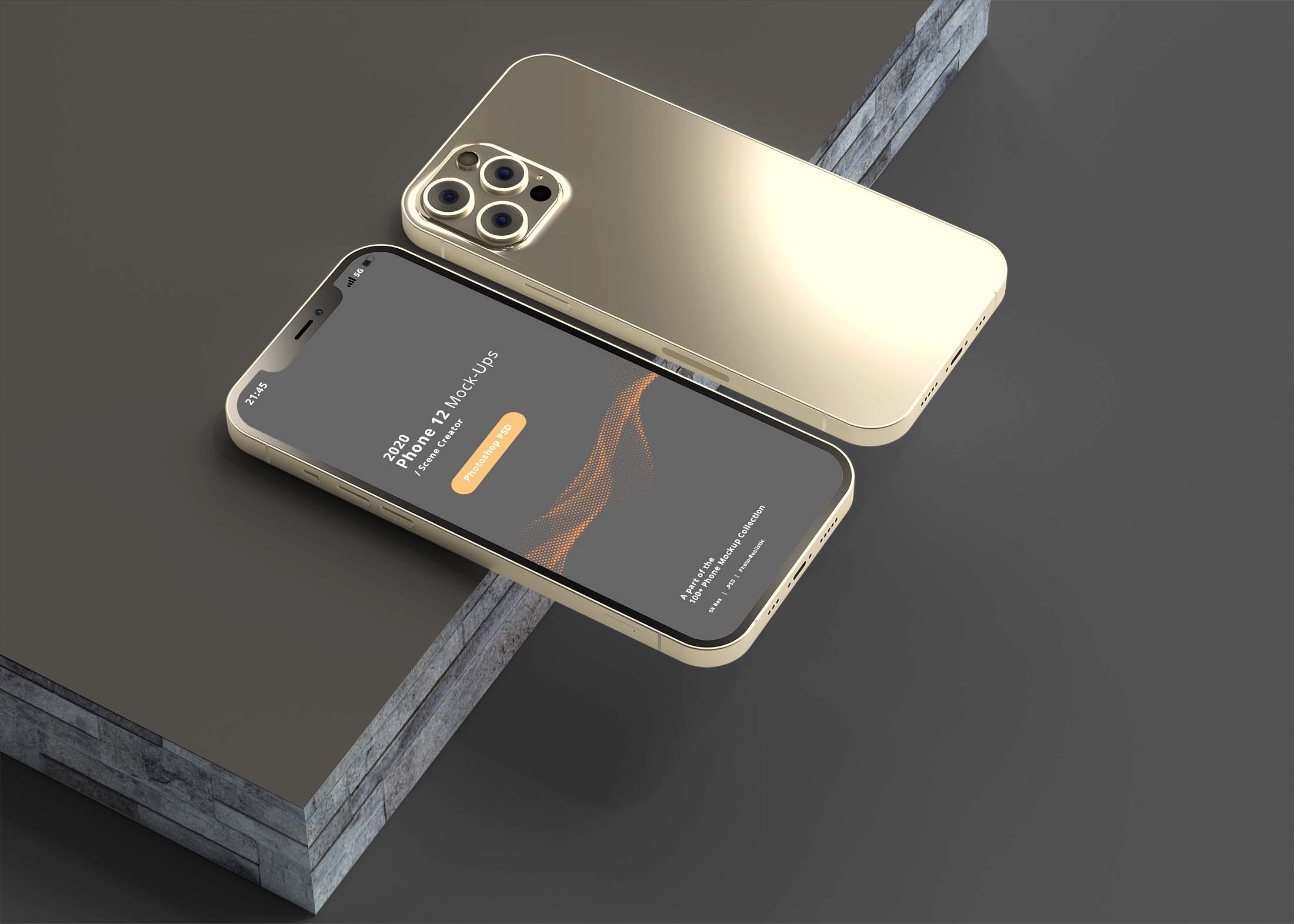
Elevate your design projects with our free iPhone 12 UI mockup. This high-quality mockup showcases your app designs in a realistic setting, making them stand out to clients and stakeholders. Perfect for presentations, portfolio displays, or social media showcases, this mockup provides an excellent platform to demonstrate your design skills.
Our mockup is easy to use and compatible with popular Design Tools like Photoshop. Simply drag and drop your designs into the smart object layer, and you’ll have a stunning visual ready in minutes. The realistic lighting and shadows enhance the overall look, ensuring your app designs are presented in the best possible way.
Simple UI Mockup to give you idea what the real app look like when using it. It’s design in the perspective of iPhone XR and it is optimized so that it will be easy to manipulate elements around your device.
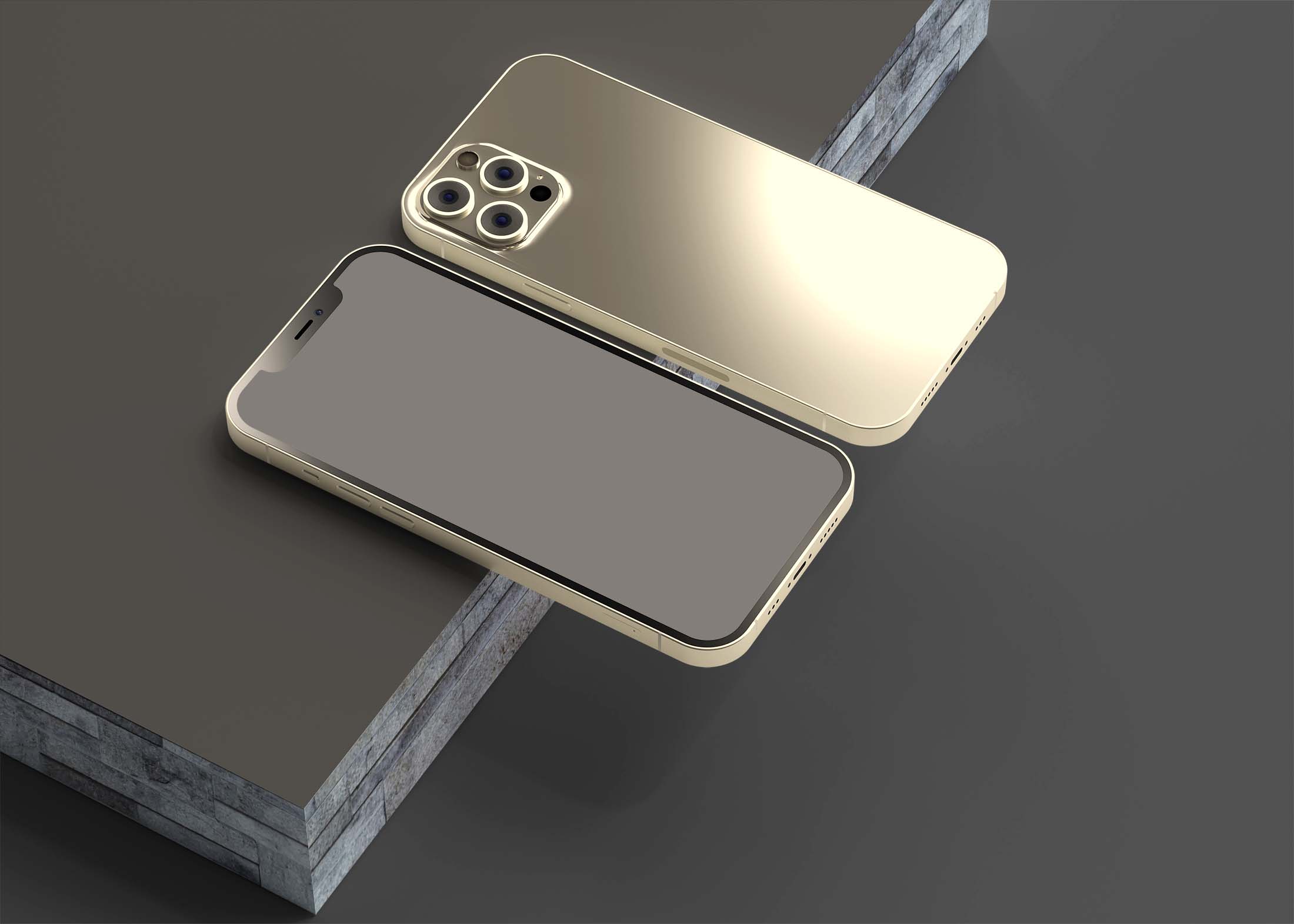
This Free iPhone 12 UI Mockup is perfect for showcasing your latest mobile app design and giving you a chance to present it to your clients and colleagues.
More Mockups like this :
- Free Iphone XS Screen Mockup
- Free Phone Mockup With Book
- Free White Phone Screen Mockup
- Iphone 6 Mockup Collection
This mockup is free to download and use.
Description:
Available Format: Layered PSD through smart object insertion
License: Free for personal and commercial use
Zip File Includes: Photoshop PSD File
Resolution: 2200 x 1500 px
Advertisement:
Free iPhone 12 UI Mockup
FAQs – Free iPhone 12 UI Mockup
Can I edit the iPhone 12 UI mockup in Photoshop?
Yes, the mockup is fully editable in Photoshop. Just use the smart object feature to insert your design easily.
Does the mockup support different screen orientations?
Yes, the iPhone 12 mockup includes options for both portrait and landscape orientations for versatile presentation.
Is it easy to customize the mockup’s background?
Absolutely! You can change the background color or add custom images to match your brand’s style seamlessly.
What file format does the iPhone 12 UI mockup come in?
The mockup is provided in PSD format, ensuring compatibility with Adobe Photoshop for easy editing.
Do I need advanced skills to use this mockup?
Not at all! The mockup is user-friendly, designed for both beginners and experienced designers to use effortlessly.