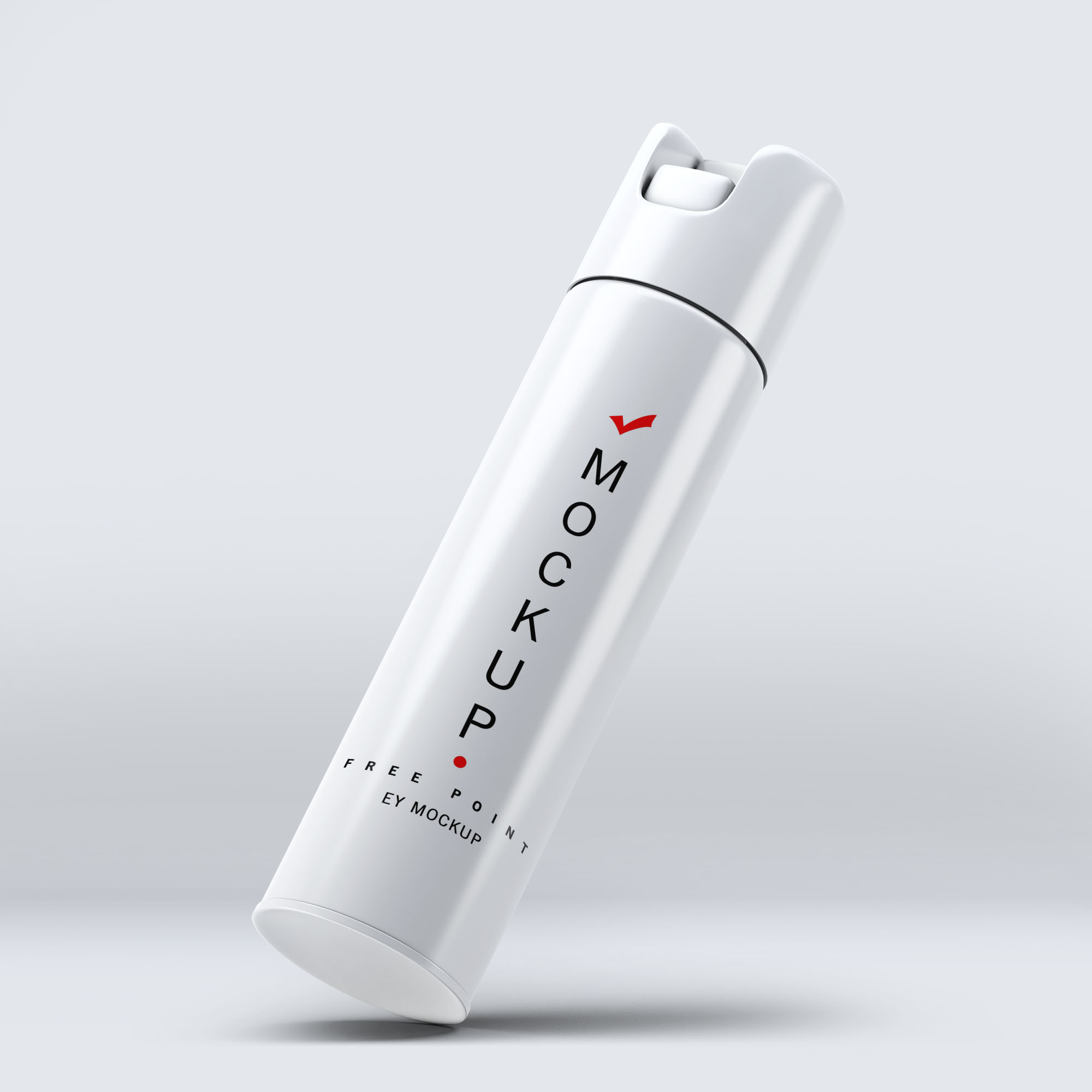
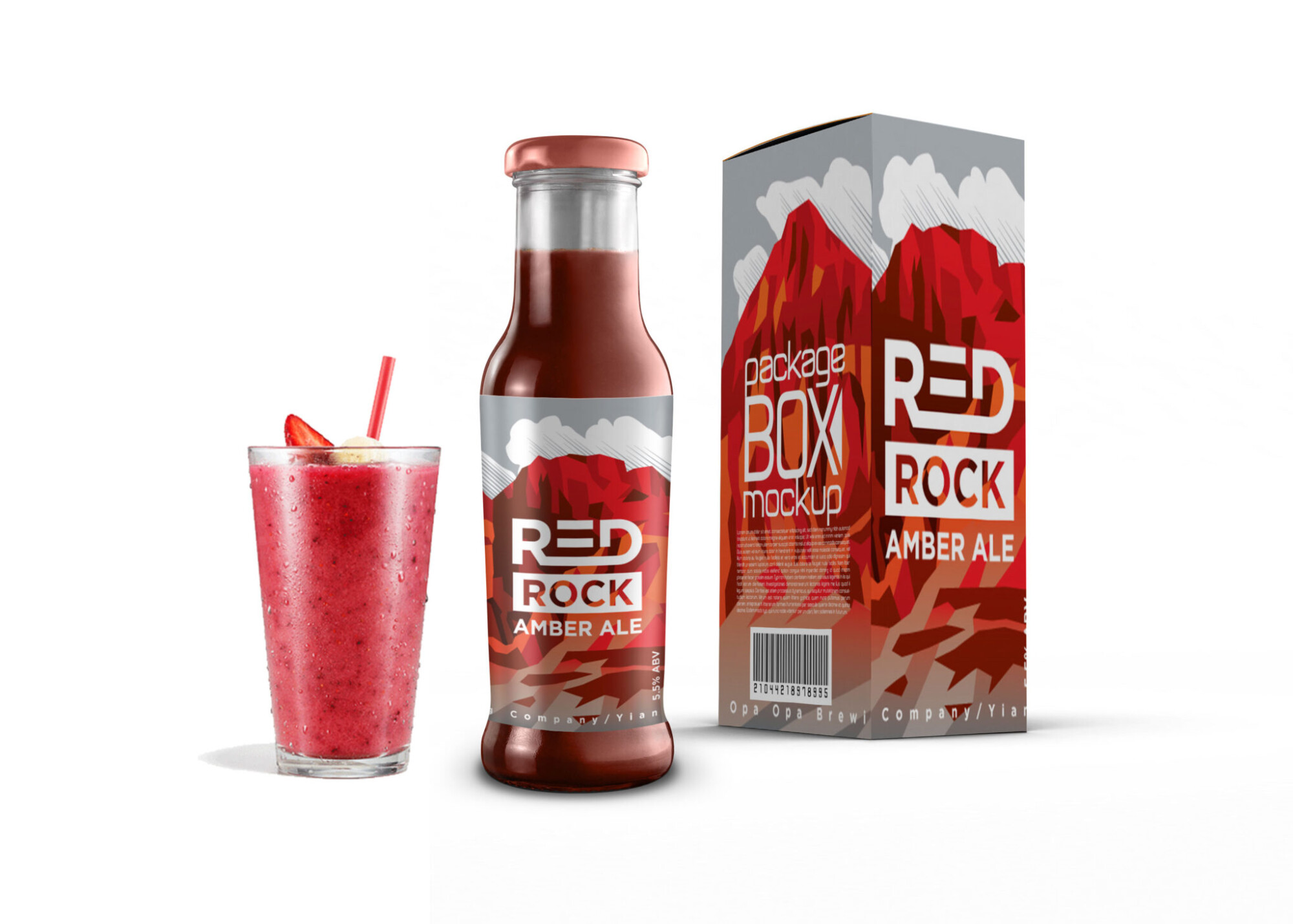
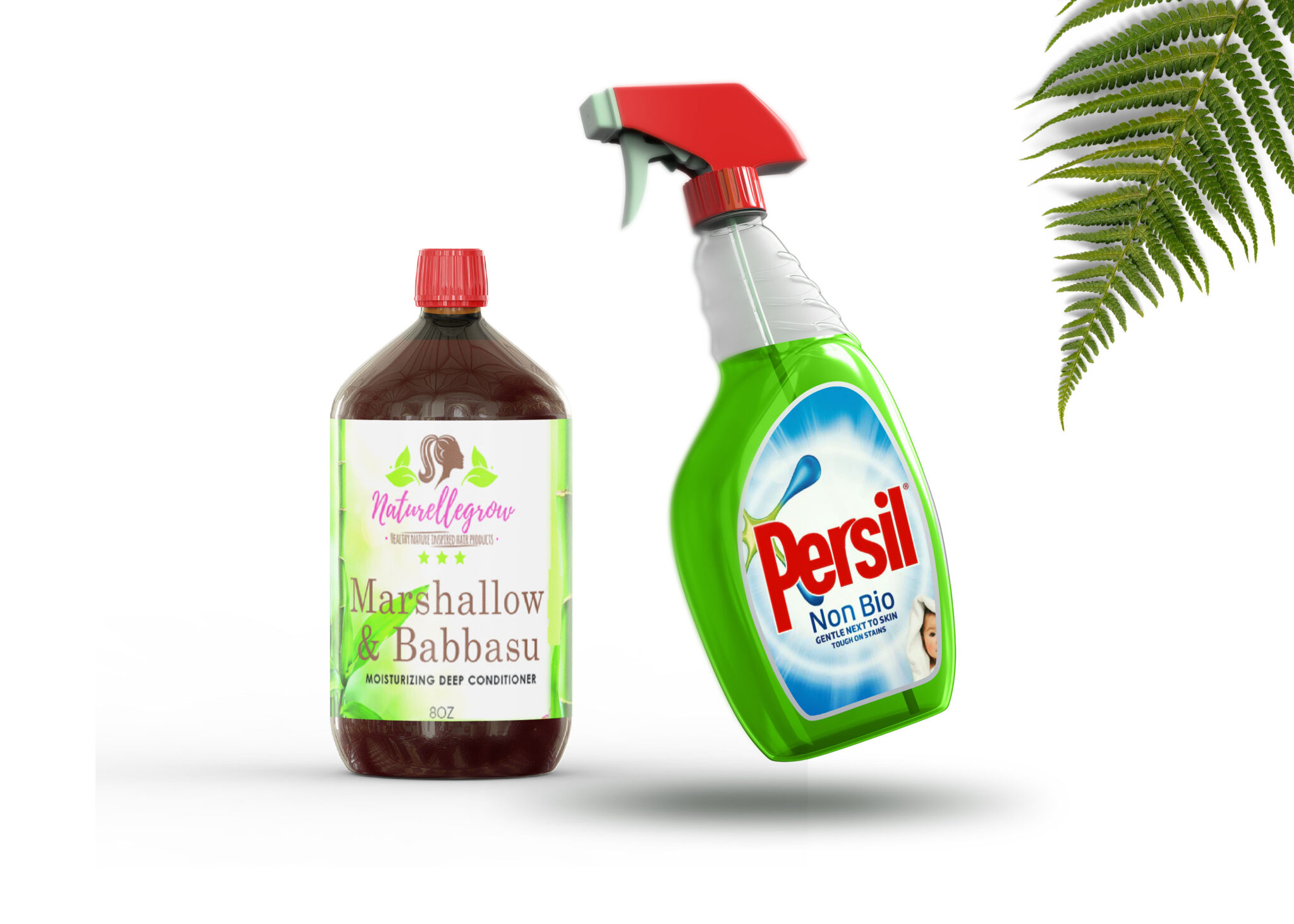
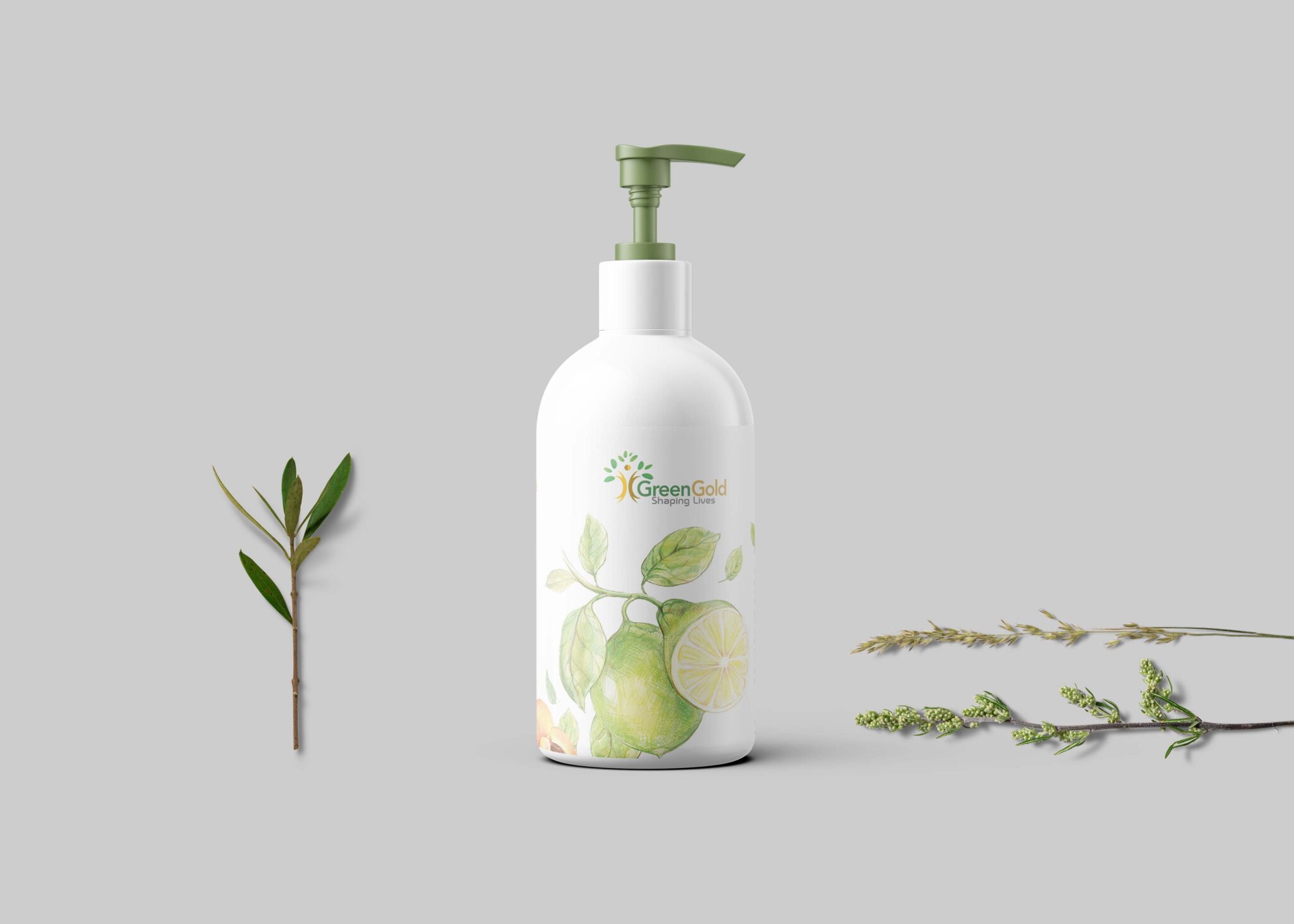
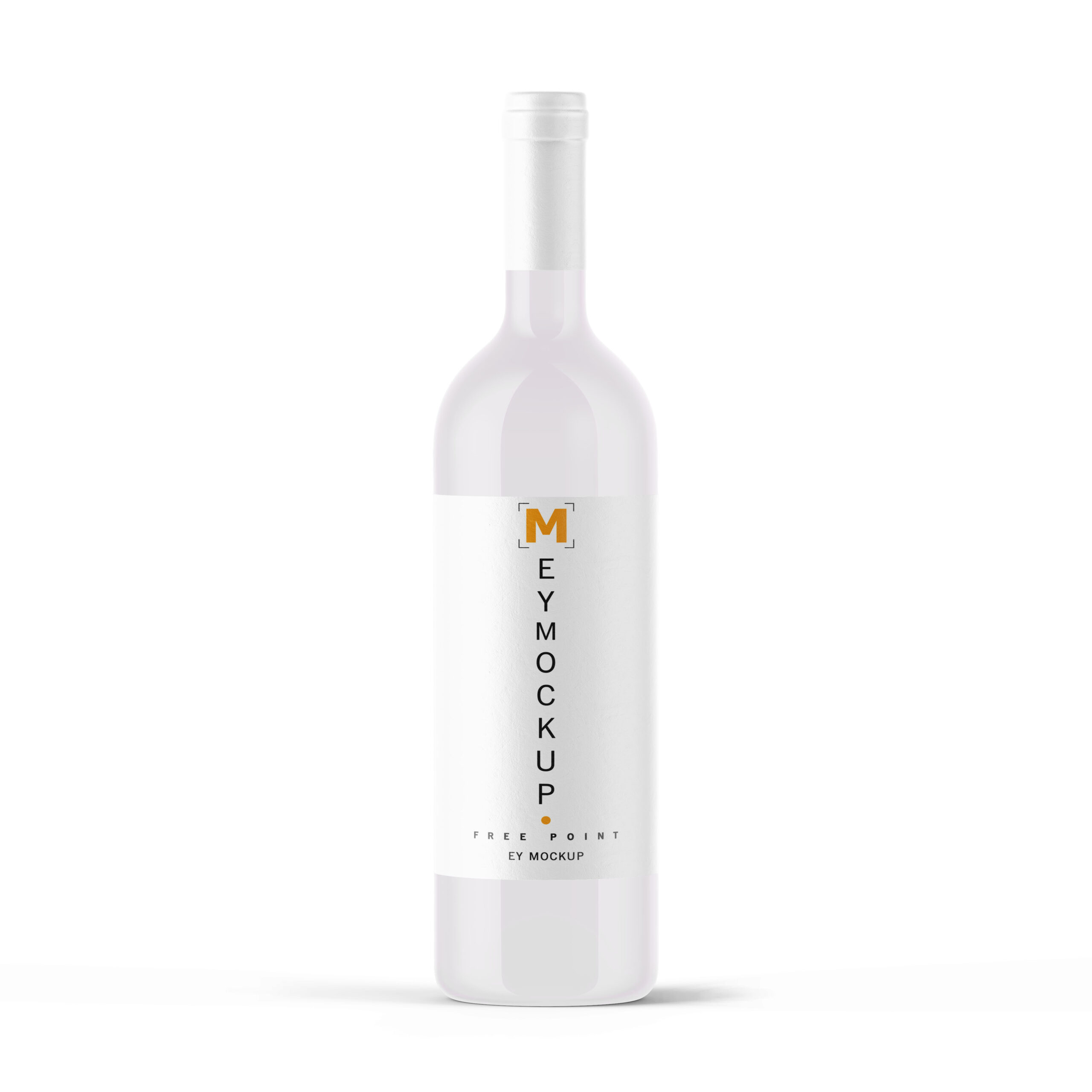
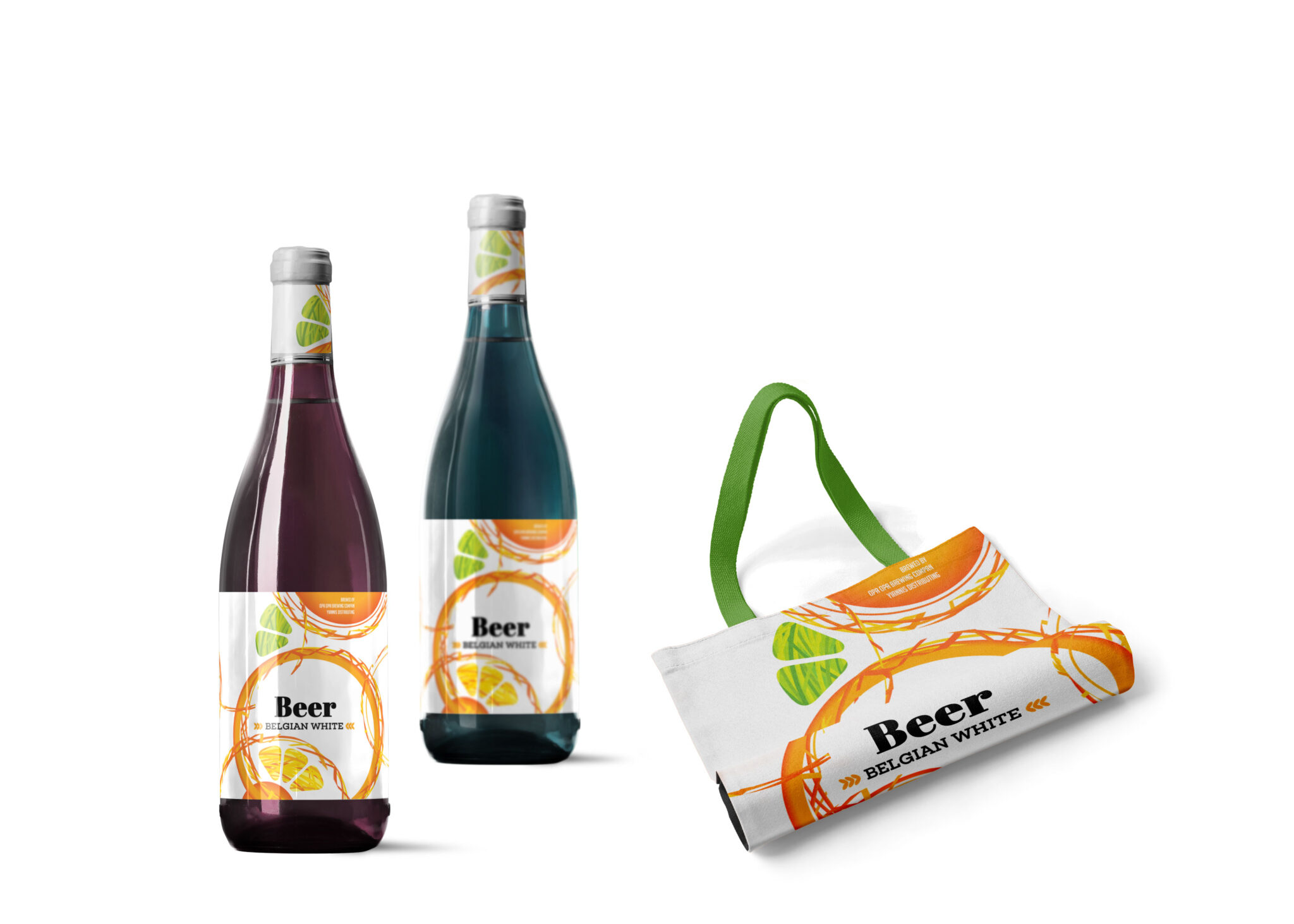
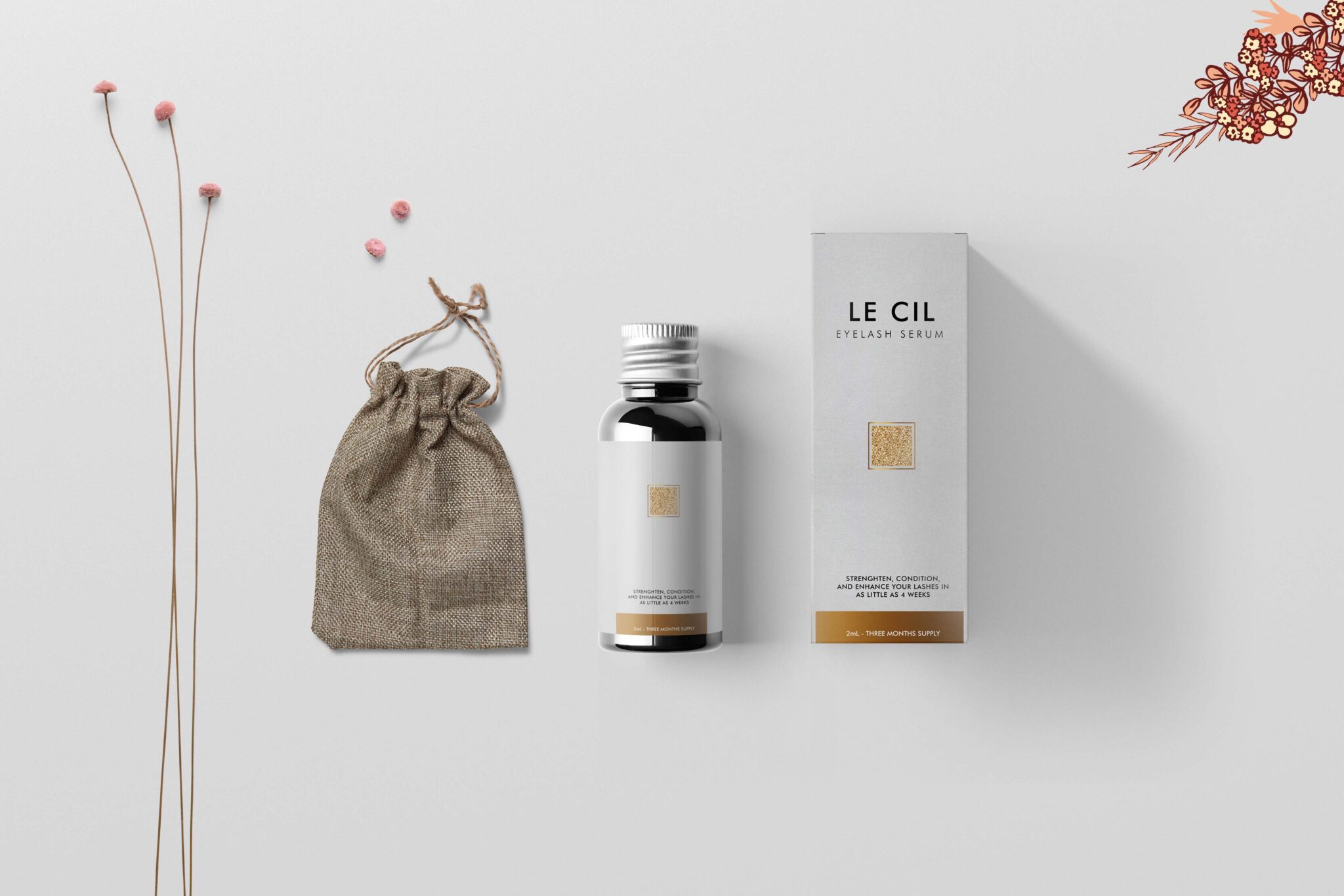
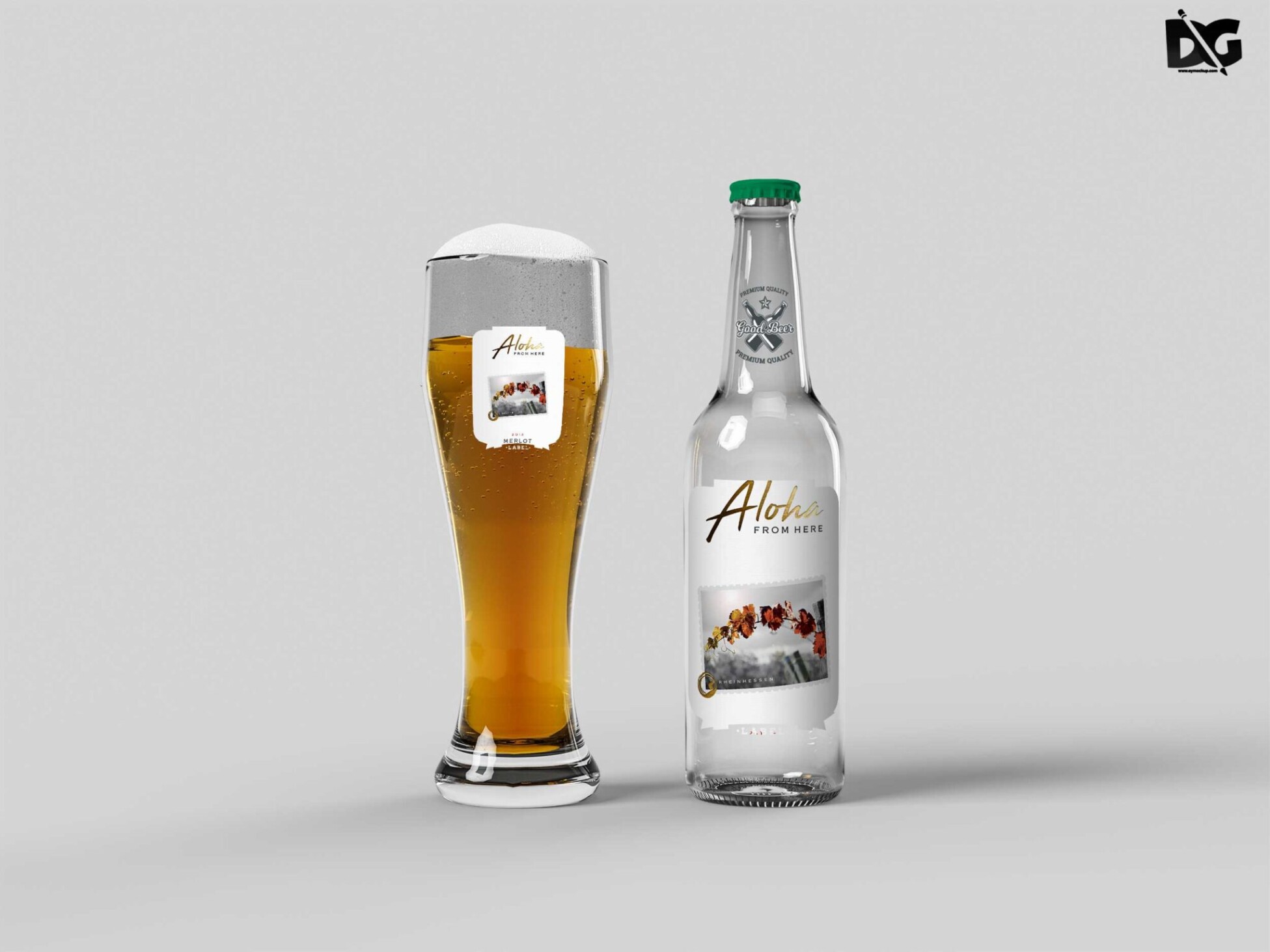
Elevate your product presentations with our Free PSD Calcium Liquid Can Bottle Mockup. Perfect for showcasing your beverage designs, this mockup features a realistic and detailed view of a can bottle filled with calcium-rich liquid. You can easily customize the design using Adobe Photoshop, allowing you to highlight your branding or label artwork effectively. The free PSD file includes smart objects for effortless editing, enabling you to create stunning visuals that captivate your audience.
This mockup not only saves time but also provides a professional look that is essential for marketing your drinks. With adjustable lighting and shadows, you can achieve the perfect visual appeal for your product. Whether you’re a designer, marketer, or business owner, this mockup is an invaluable resource for presenting your designs in a visually striking way. Download now and start showcasing your calcium beverage designs with style and confidence.
Luckily, there are lots of free bottle mockups and templates recently released for the benefit of graphic artists. These free bottle mockups and templates provide a perfect way to display bottles in a much attractive way.These can absolutely help graphic designers easily and conveniently add their own ideas to the bottles such as putting colors that can be either come in light or shadow effects.All of these Resources are easy to use and can present your information beautifully. Some are free, while others cost a few dollars. ( premium mockups template ) More great & free PSD Mockups Collection: Description:FAQs – Free PSD Calcium Liquid Can Bottle Mockup
Can I edit the PSD Calcium Liquid Can Bottle Mockup?
Yes, the mockup is fully editable using Adobe Photoshop. You can customize colors, labels, and other elements easily.
Does the mockup support smart objects?
Absolutely! The mockup features smart objects, making it simple to insert your design and see instant results.
What file format is the mockup available in?
The mockup is available in PSD format, which is ideal for use in Adobe Photoshop.
Is there a specific Photoshop version required?
While any recent version of Adobe Photoshop should work, we recommend using Photoshop CC for best compatibility.
Can I change the lighting in the mockup?
Yes, the mockup allows adjustments to lighting and shadows, helping you achieve the desired effect for your presentation.