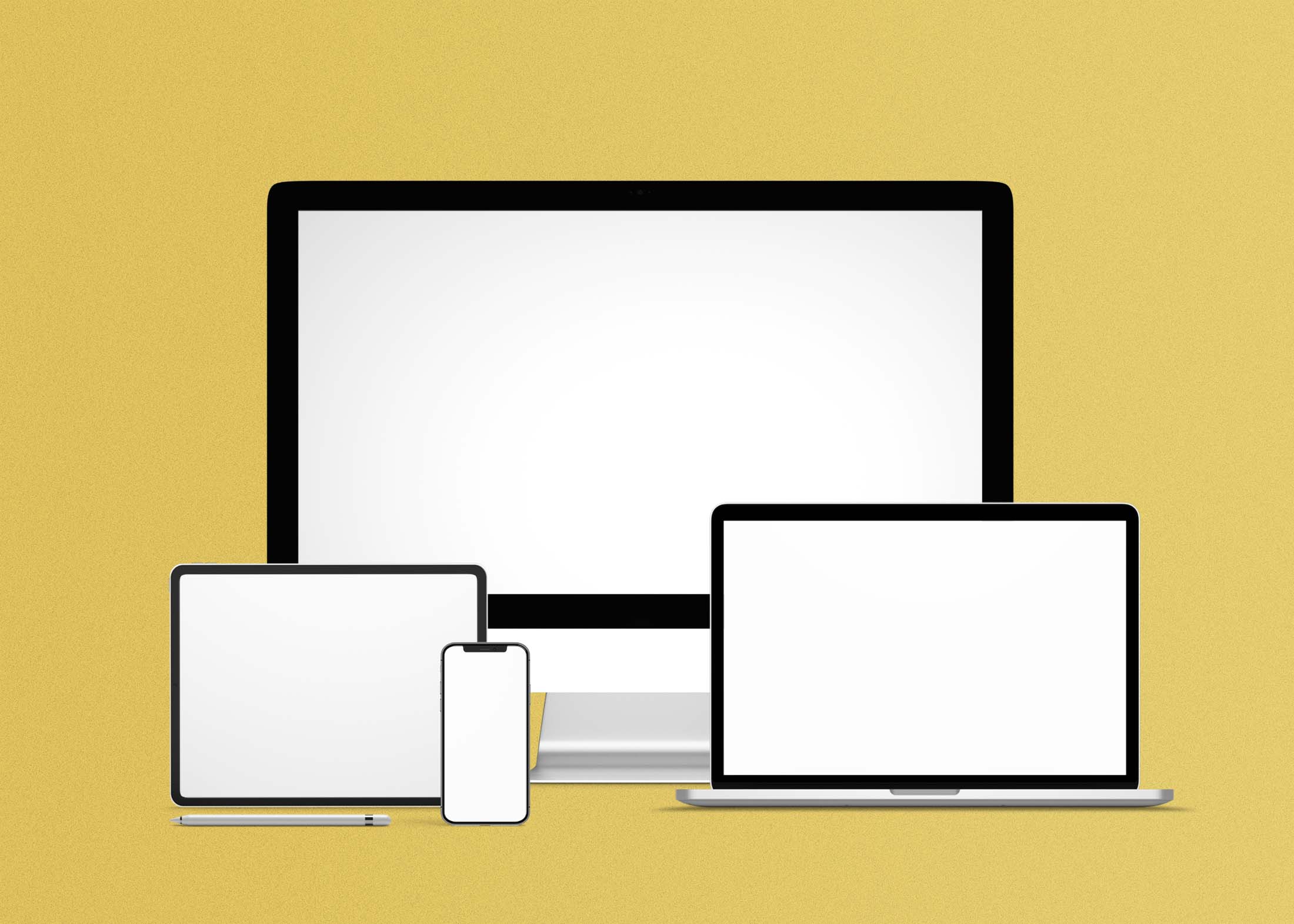
Creating a stunning website mockup is essential for showcasing your design ideas. Our free website mockup features all devices, including desktops, tablets, and smartphones, allowing you to present your work in a realistic context. With this versatile mockup, you can easily visualize how your designs will look across various platforms, ensuring your project meets user experience expectations.
This mockup is user-friendly and can be edited in popular design software like Photoshop. Simply insert your designs into the placeholders, adjust the lighting and shadows for a polished finish, and you’re ready to impress clients or share your work online. Whether you’re a freelance designer or part of a team, this mockup is an invaluable asset for any web design project.
Want a great way to test out your site or impress your clients? This mockup is the perfect way to do it. With every device possible available, you can choose whether to go with a small phone or tablet, big smartphone, laptop, and desktop computer.
More like this:

This free stylish website mockup is one of the best mockups ever made. This free website mockup with all devices has a single-click full-color image swap feature and a seamless anime menu. You can use this mockup in your personal or business projects, presentations, and landing pages.
Description:
Available Format: Layered PSD through smart object insertion
License: Free for personal and commercial use
Zip File Includes: Photoshop PSD File
Resolution: 2200 x 1500 px
Advertisement:
FAQs – Free Website Mockup with all devices
Can I edit the free website mockup in Photoshop?
Yes, the mockup is designed for easy editing in Photoshop, allowing you to customize it to fit your design needs.
Does the mockup include all devices?
Absolutely! Our mockup features all major devices, including desktops, tablets, and smartphones, to showcase your design effectively.
Is it easy to insert my designs into the mockup?
Yes, inserting your designs is straightforward. Just drag and drop your images into the designated layers in Photoshop.
What formats does the mockup support?
The mockup is provided in a PSD format, compatible with Photoshop and other editing software that supports PSD files.
Do I need any special skills to use the mockup?
Basic knowledge of Photoshop is helpful, but our mockup is designed to be user-friendly for all skill levels.