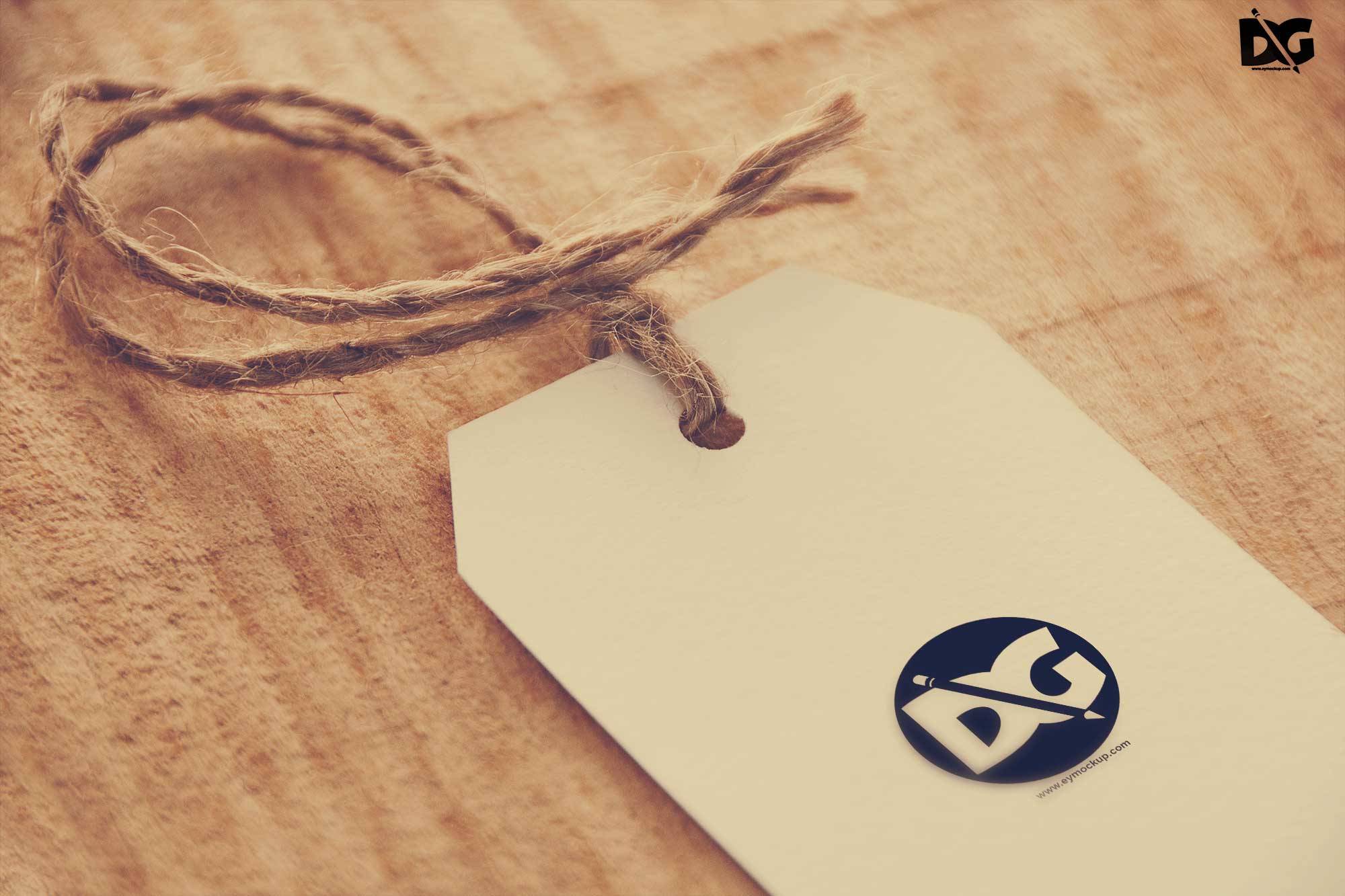
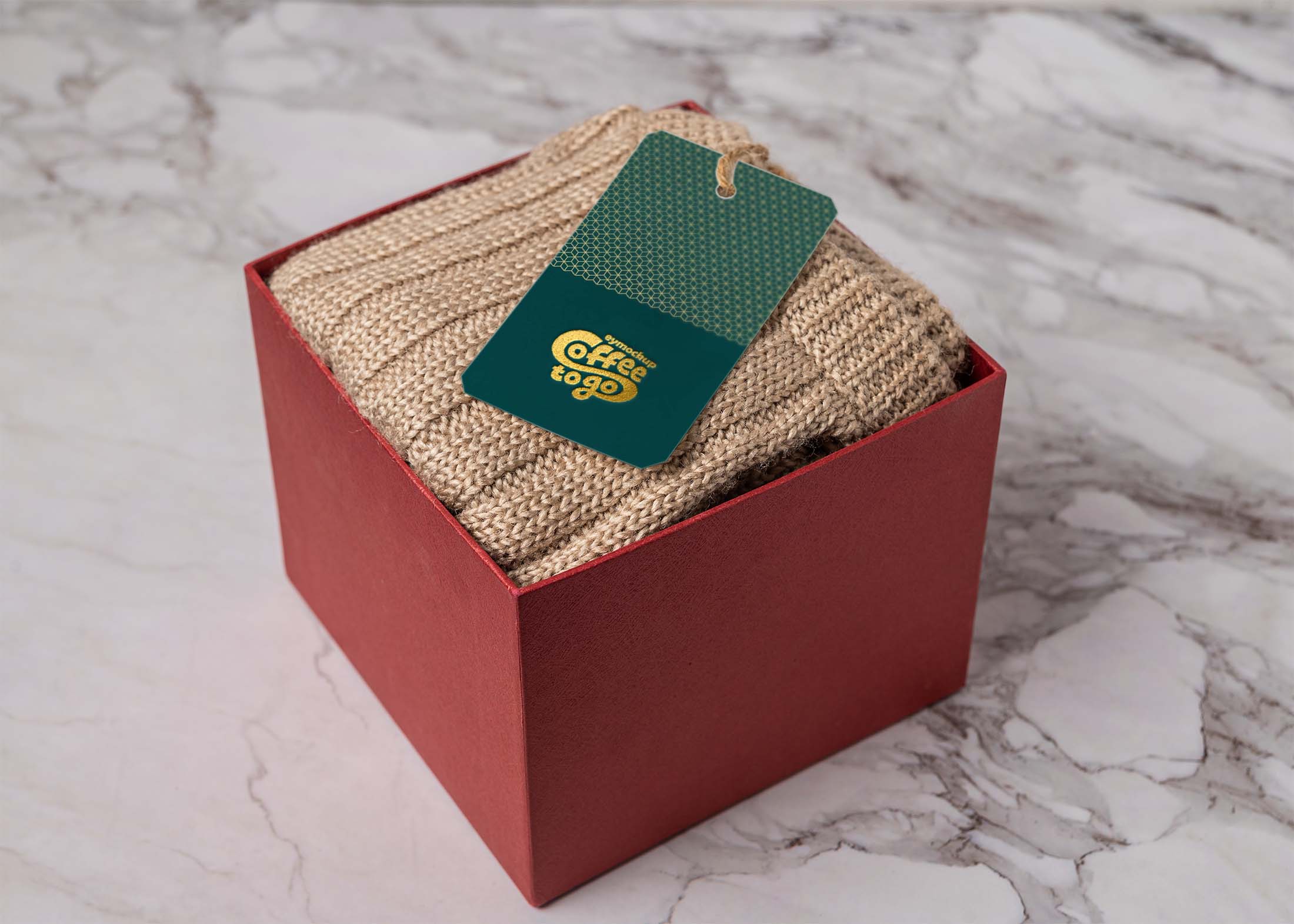
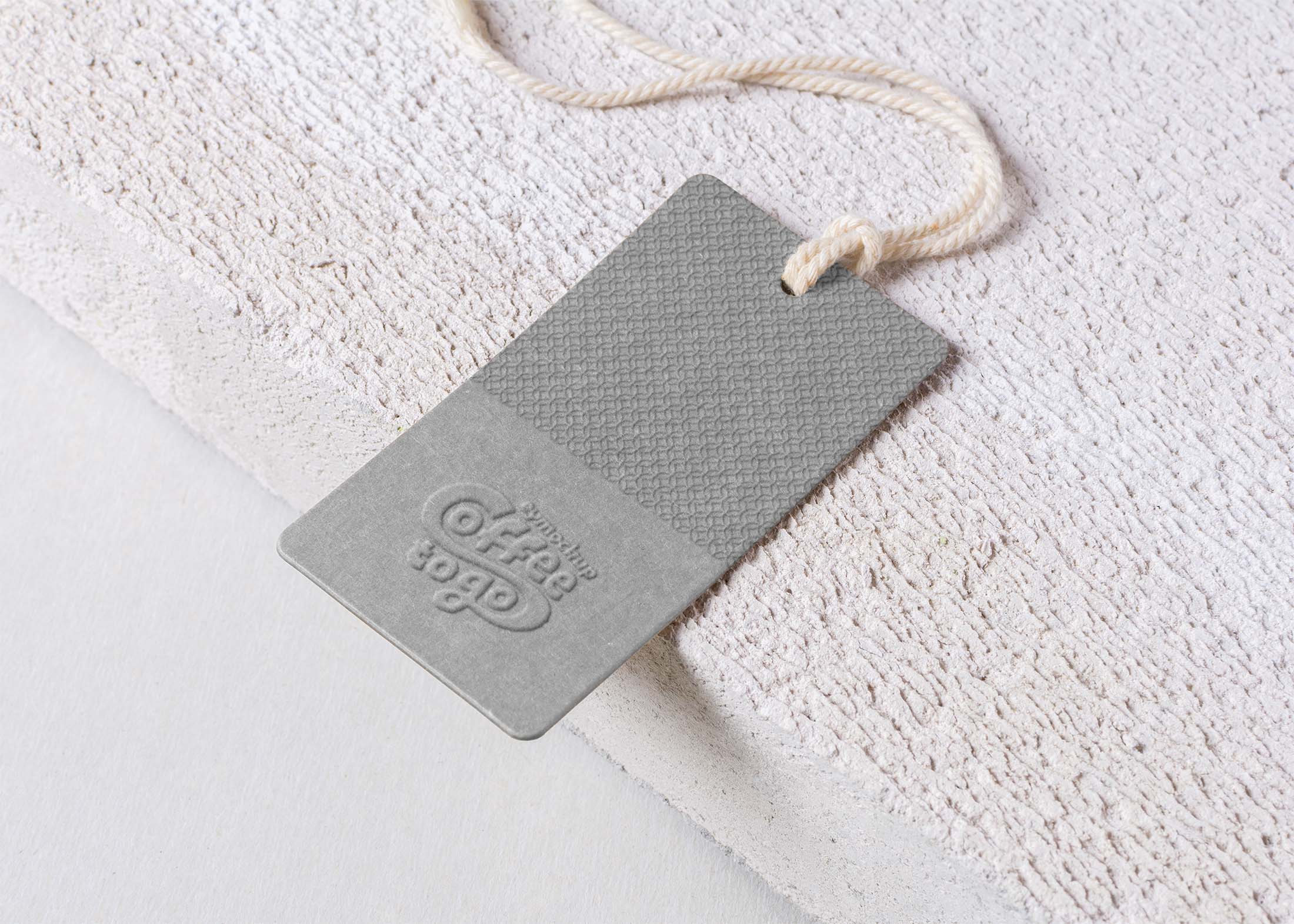
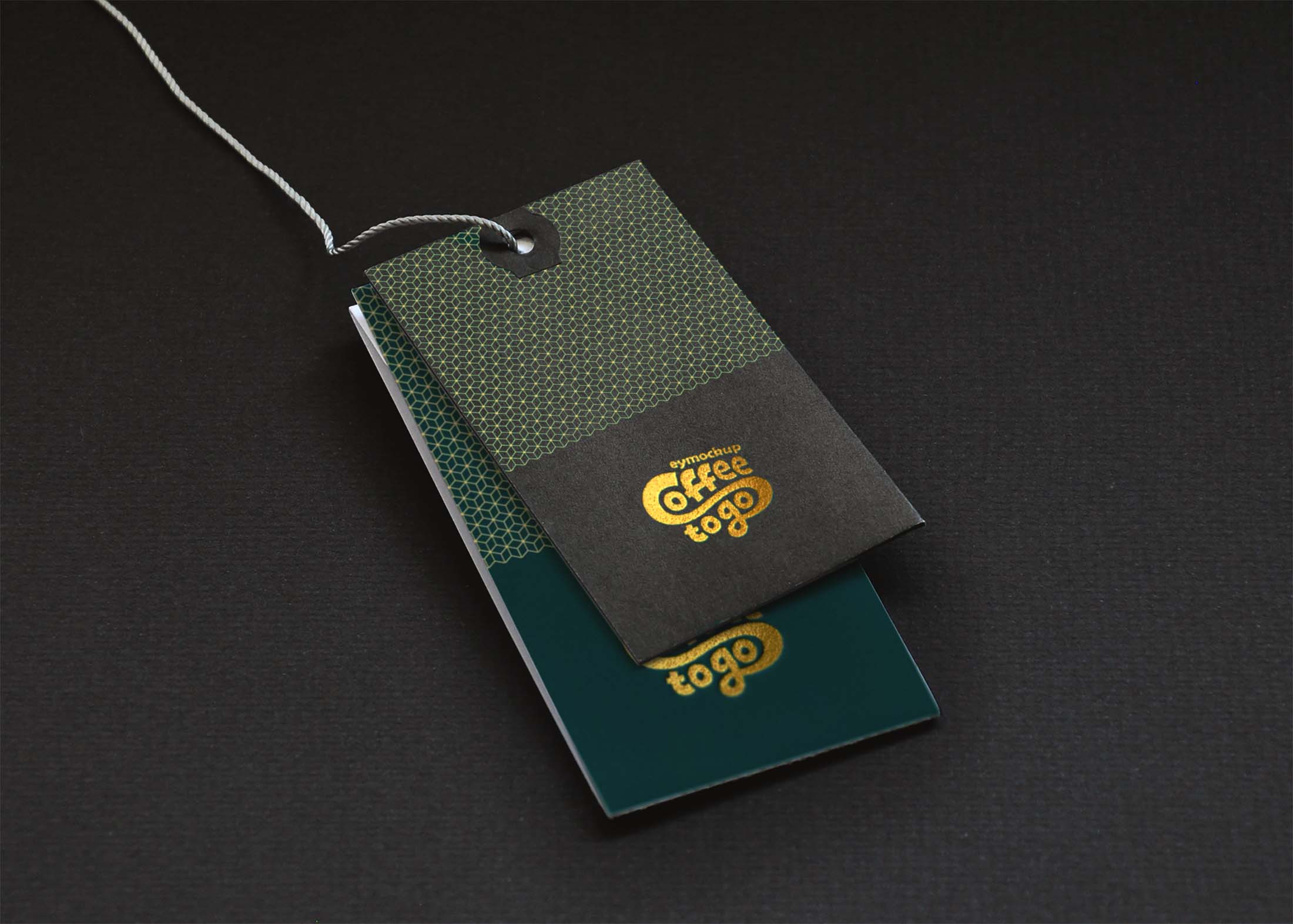
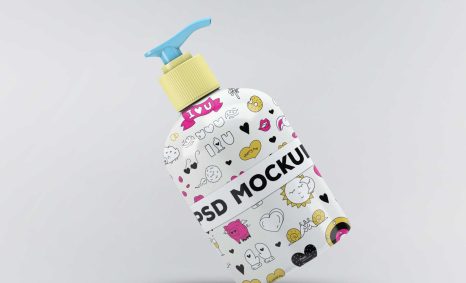
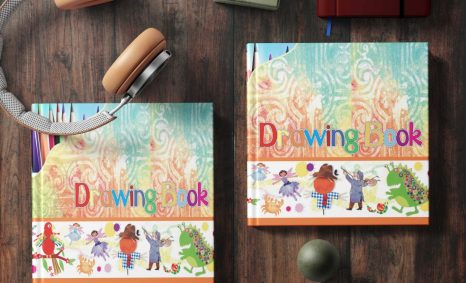
Explore the latest collection of white tag logo mockups from 2017, designed to elevate your branding projects. These mockups provide a professional backdrop to showcase your logo designs, allowing you to present your work in a realistic and visually appealing manner.
Whether you’re a designer or a business owner, these mockups are versatile and easy to use. Simply insert your logo into the smart objects in Photoshop, and you’re ready to impress clients or enhance your portfolio. The clean white background highlights your designs, ensuring they stand out.
With the numerous clothing brands vying for the attention of the mass, entrepreneurs need to find ways for their products to stand out from the competition. No matter what apparel you are trying to sell, clothing tags should never be overlooked and under-utilized by marketers. It should be carefully crafted to help you attract attention, develop your brand, and encourage customer retention. This is what a clothing tag or hangtag can do, they are perfect for spreading information, identification, and advertising. So, whether you’re a designer or marketer, never undervalue clothing tags for improving your business. Instead, make them truly outstanding so they can attract attention. Hence, pick the best clothing tag mockup that will be useful for your clothing brands in this collection.
In this roundup, we are presenting some free & premium label/tag mockups to present your designs. These PSD mockups are perfect to present your designs. Many of these mockups offer changeable backgrounds and these mockups are easy to use through Smart Objects.
All of these resources are easy to use and can present your information beautifully. Some are free, while others cost a few dollars.
More great & free PSD Mockups Collection:
Description:
Available Format: Layered PSD through smart object insertion
License: Free for personal and commercial use
Zip File Includes: Photoshop PSD File
Resolution: 3000 x 2250 px
FAQs – Latest White Tag Logo Mockups 2017
Can I edit the white tag logo mockups in Photoshop?
Yes, you can easily edit the mockups in Photoshop by using the smart object layers to insert your logo and customize the design.
Do I need special software for these logo mockups?
You only need Adobe Photoshop to use these mockups. They are designed for easy editing and quick integration into your projects.
Is it easy to change the background of the mockups?
Yes, you can change the background color or texture in Photoshop by modifying the appropriate layers in the mockup file.
What file formats are included in the mockup download?
The download typically includes PSD files, which are fully layered and customizable, allowing for seamless integration with your designs.
Does it take a lot of time to set up the logo mockups?
No, setting up the logo mockups is quick. Just open the PSD file, insert your logo, and save to see your work displayed beautifully.