PSD Mockup
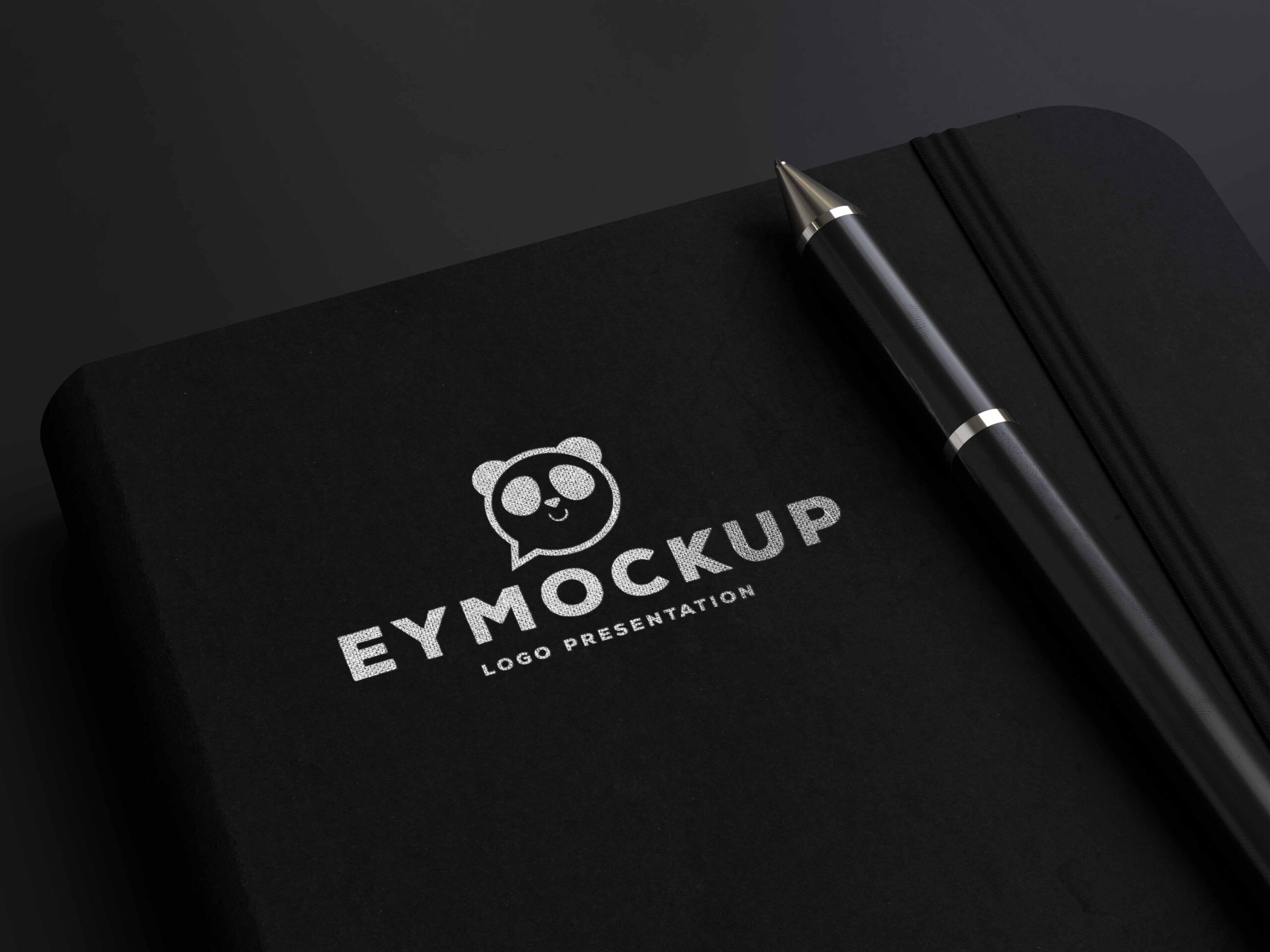
Presenting the Notebook Pen Silver Logo Mockup, a versatile and professional tool for designers looking to showcase their logo designs in a realistic setting. This mockup features a beautifully designed notebook alongside a sleek pen, providing an elegant backdrop for your branding projects. Perfect for portfolios or client presentations, it emphasizes both creativity and professionalism.
The mockup is easy to customize, allowing you to insert your logo seamlessly using Photoshop. With high-resolution images and well-organized layers, you can adjust lighting and shadows to fit your design needs. Whether you’re creating promotional materials or social media content, this mockup enhances the visual appeal of your work, ensuring your logo stands out in any context.
All of these Resources are easy to use and can present your information beautifully. Some are free, while others cost a few dollars.
More great & free PSD Mockups Collection:
- Wall Art Mockup Free
- Paper Bag Mockup Free Download
- New Bi-Fold Brochure Free Download
- Free New Billboard Mockup Download
Description:
Available Format: Layered PSD through smart object insertion
License: Free for personal and commercial use
Zip File Includes: Photoshop PSD File
Resolution: 2200 x 1500 px
Advertisement:
FAQs – Notebook Pen Silver Logo Mockup
Can I edit the Notebook Pen Silver Logo Mockup in Photoshop?
Yes, the mockup is designed for easy editing in Photoshop, allowing you to add your logo and customize details effortlessly.
What file format is the Notebook Pen Silver Logo Mockup available in?
The mockup is available in PSD format, which is compatible with Adobe Photoshop for easy customization.
Is it easy to change the background of the mockup?
Absolutely! The mockup features separate layers, making it simple to change the background to suit your design preferences.
Does the mockup support high-resolution images?
Yes, the Notebook Pen Silver Logo Mockup is created in high resolution, ensuring your designs look sharp and professional.
What lighting effects can I adjust in the mockup?
You can modify the lighting and shadows in the mockup to enhance the realism and highlight your logo effectively.