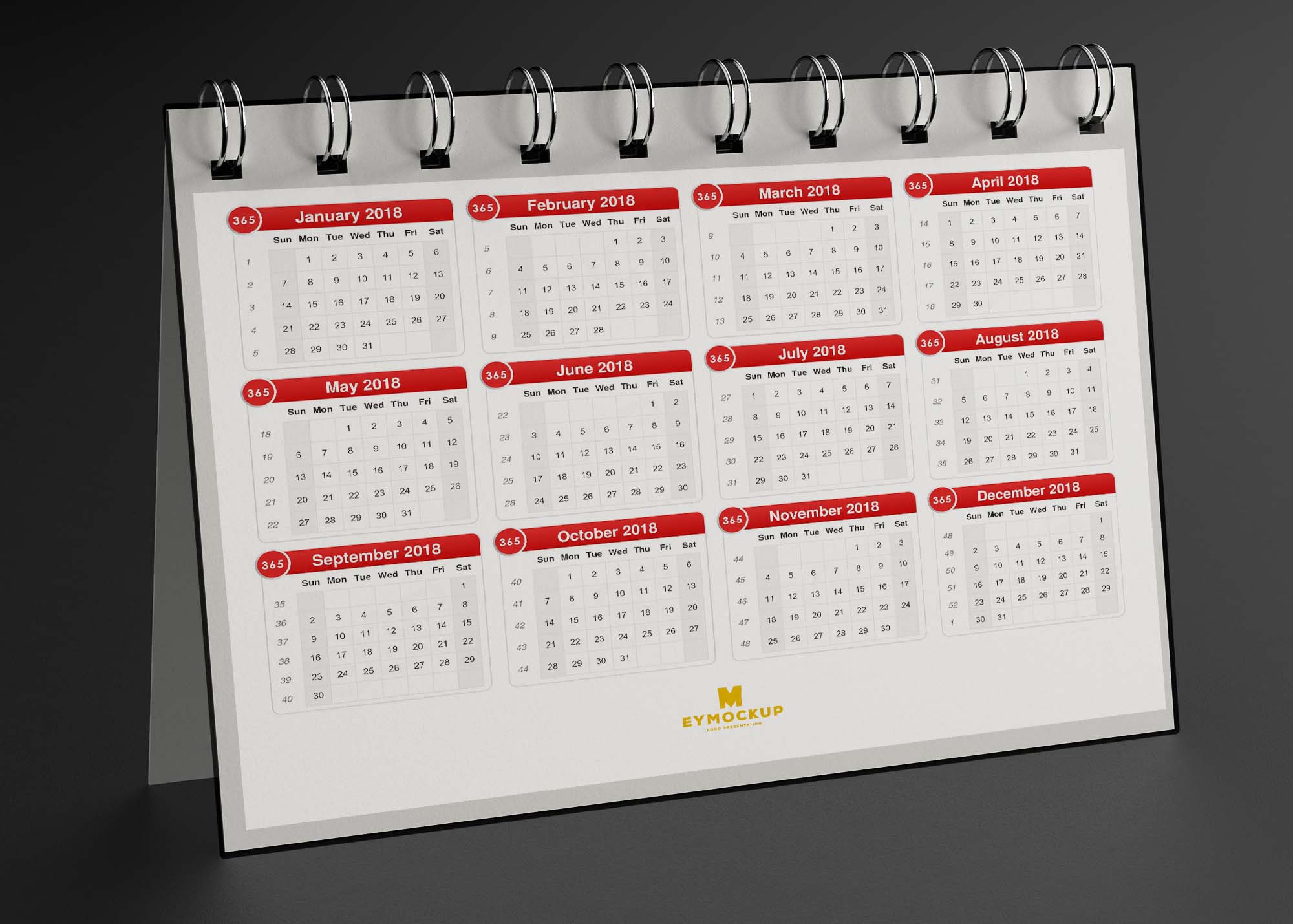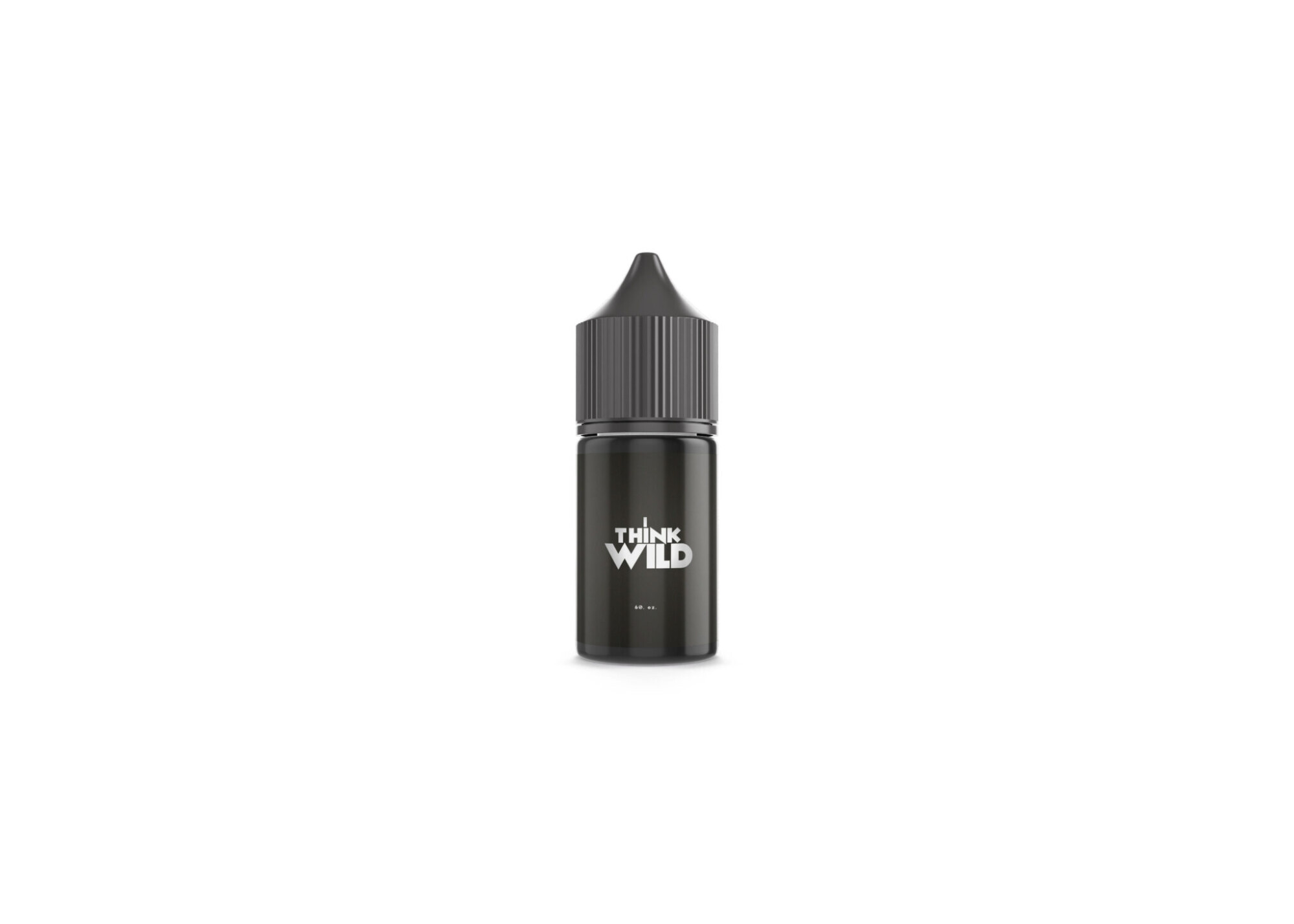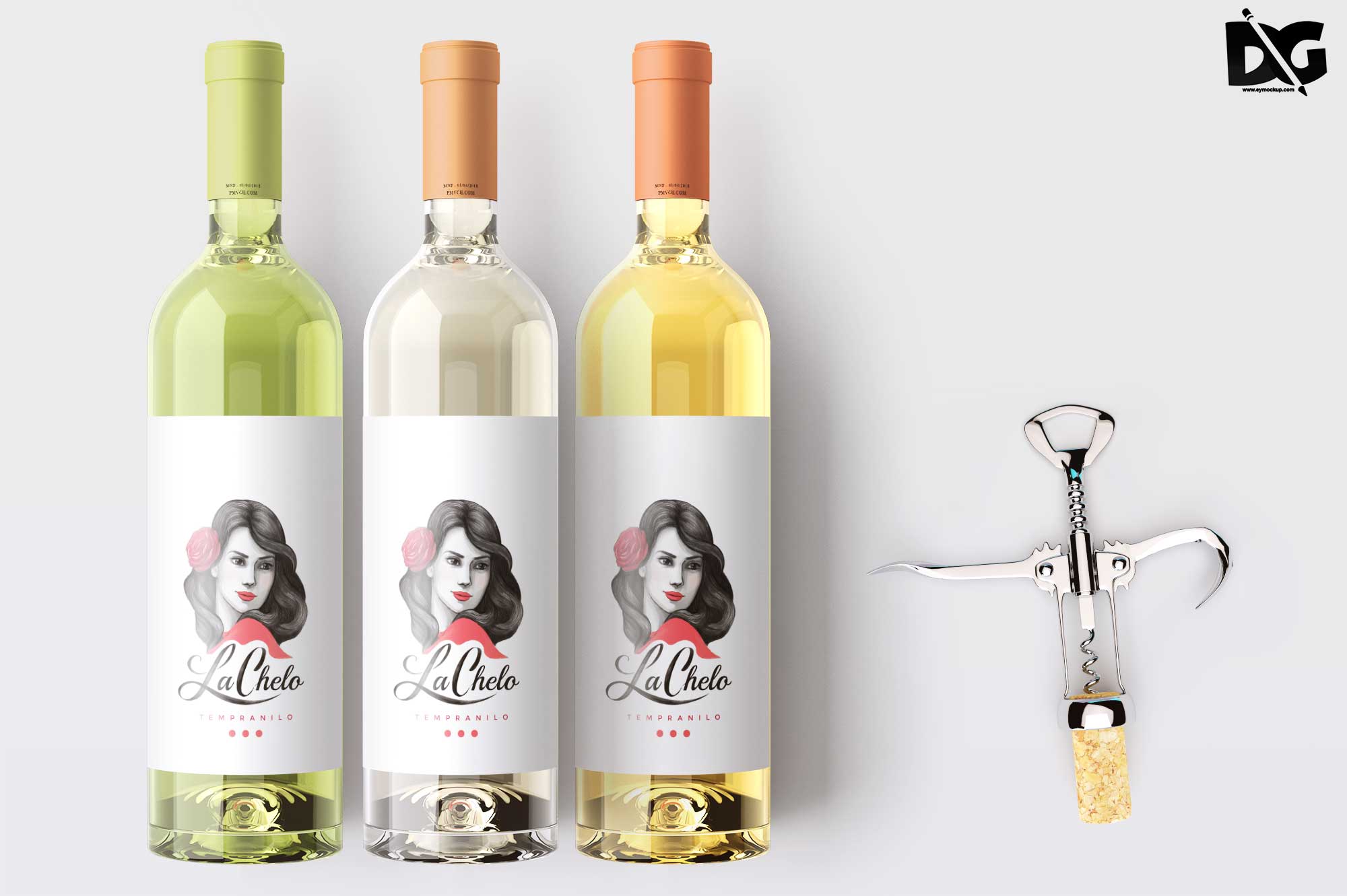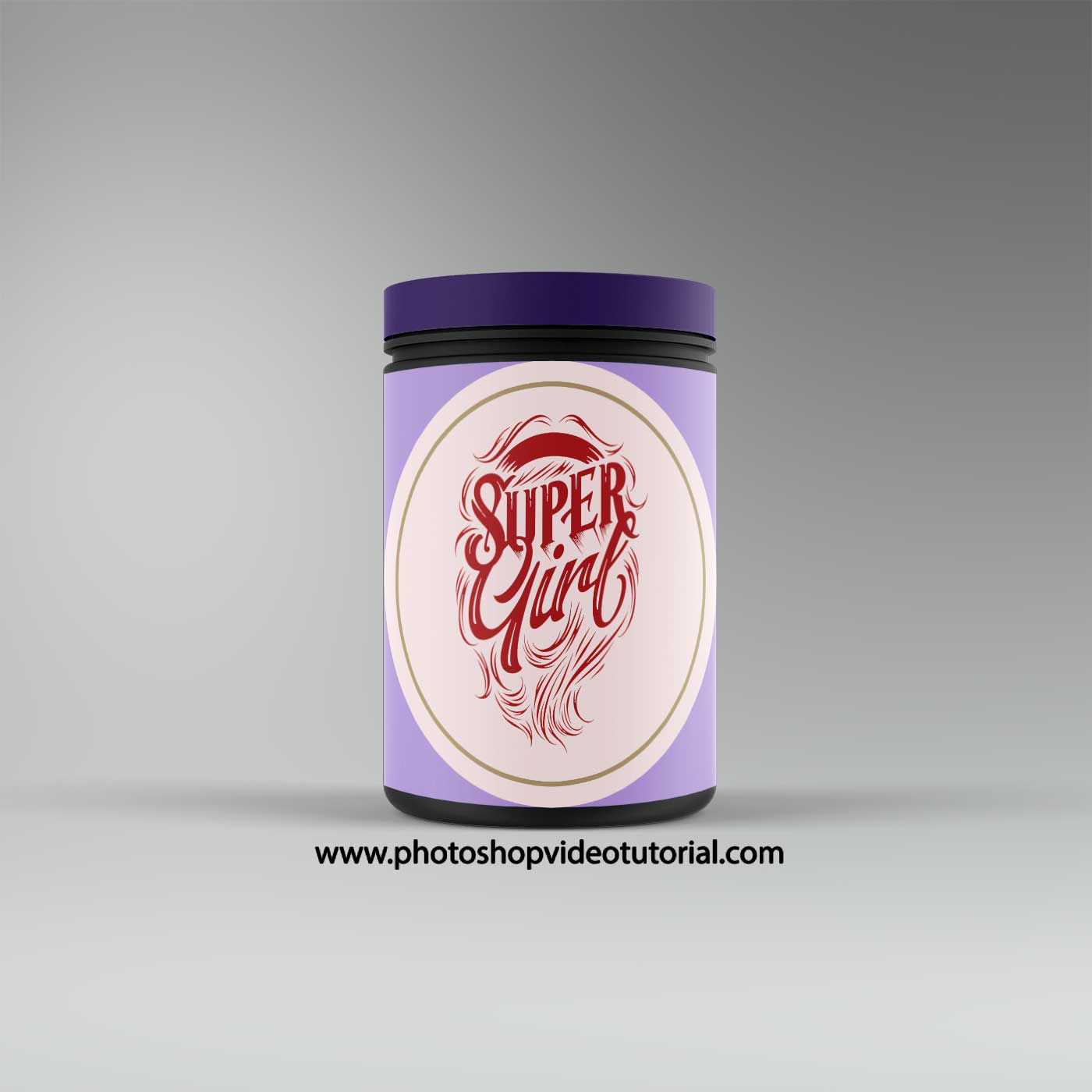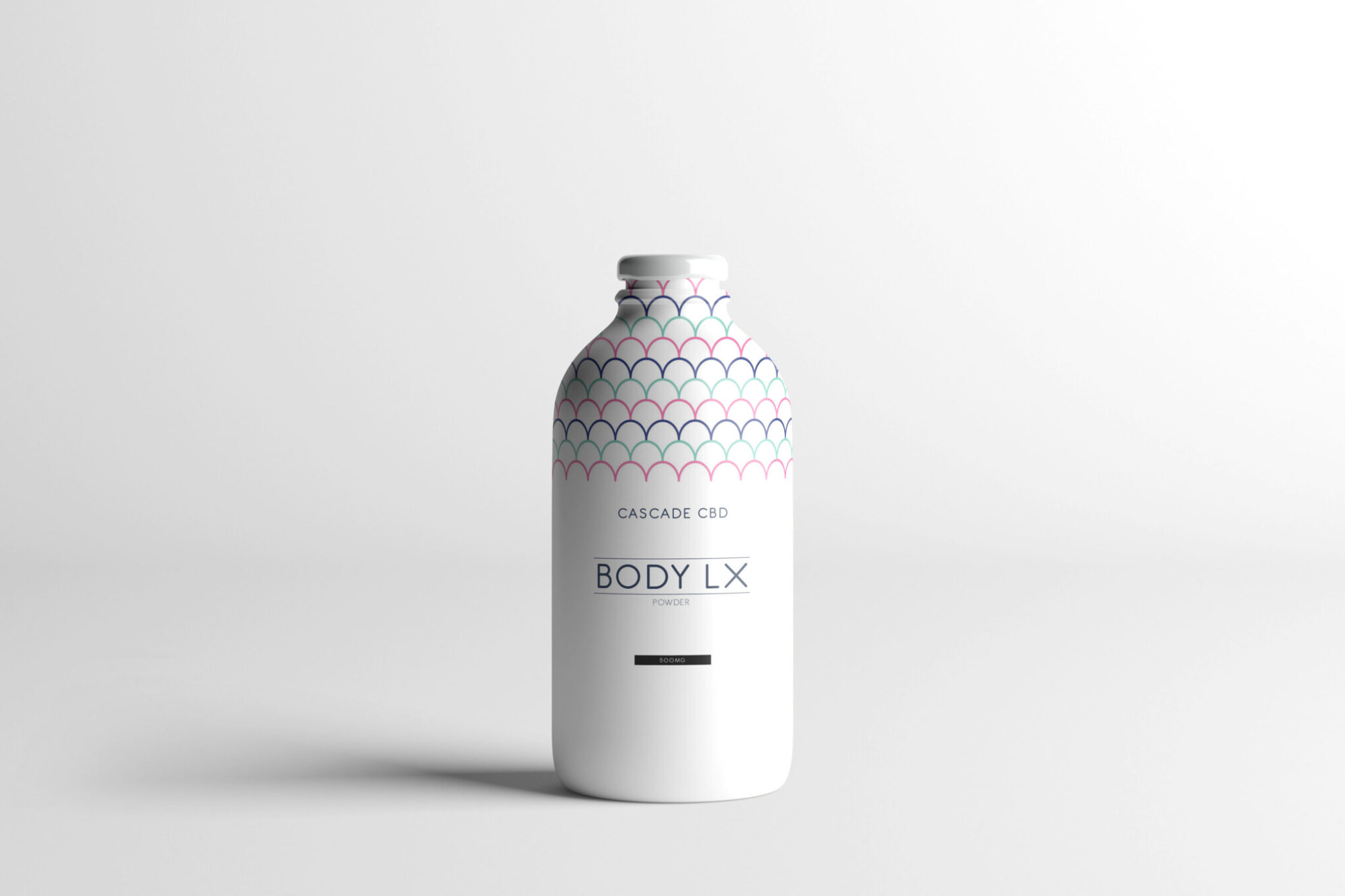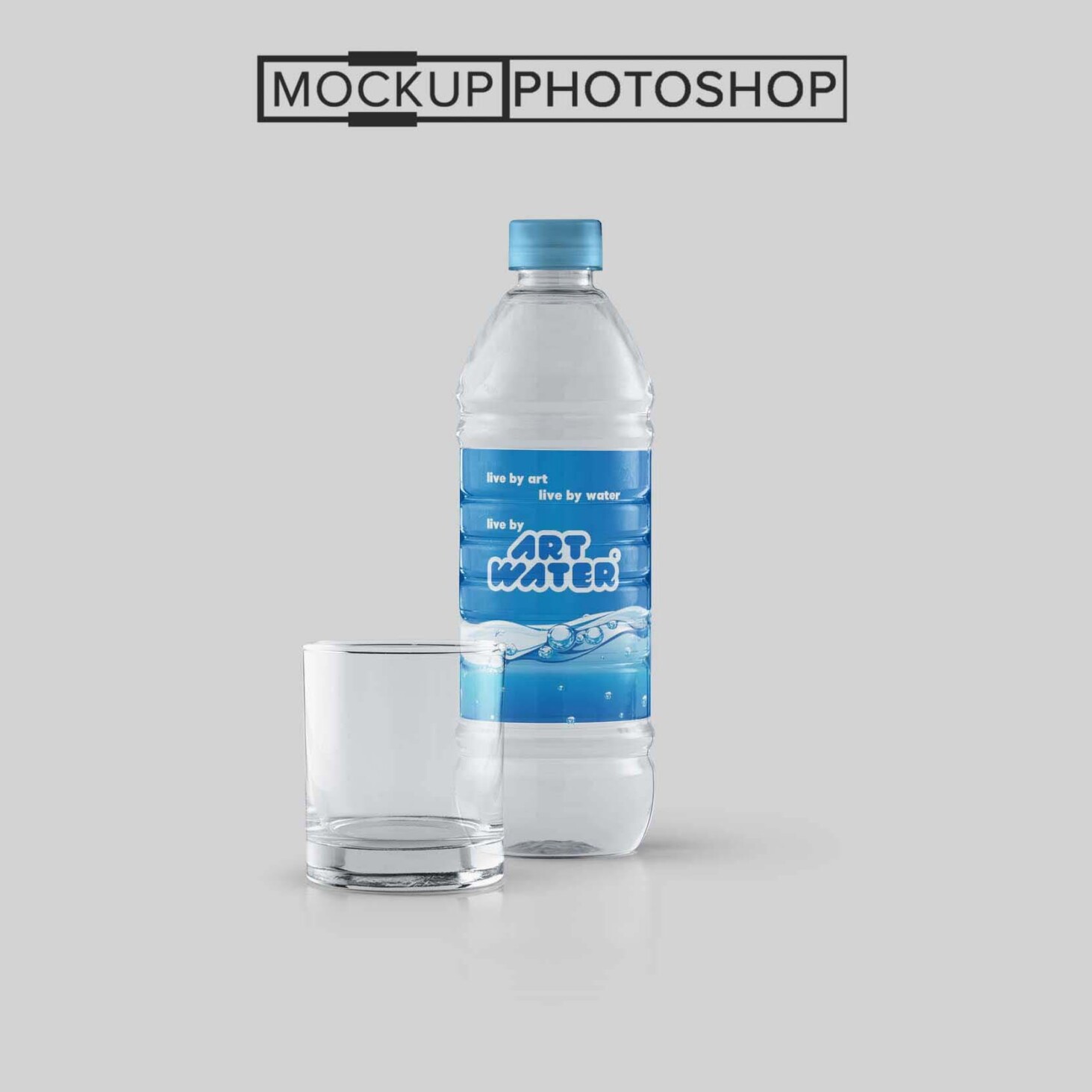
Discover our collection of water bottle label mockups designed to elevate your branding. These high-quality templates allow you to showcase your designs in a realistic setting, making them perfect for presentations or marketing materials. With various angles and styles available, you can easily find the right mockup to match your vision. Each mockup is crafted to highlight the unique features of your label, ensuring that your design stands out.
Whether you’re a graphic designer, a branding expert, or a business owner, these mockups offer an easy way to visualize your product. Customizable in Photoshop, they come with smart object layers, allowing you to quickly insert your artwork. The realistic lighting and shadows enhance the overall presentation, giving potential customers a clear view of what to expect. With our user-friendly mockups, you can create stunning visuals that effectively communicate your brand’s message.
Luckily, there are lots of free bottle mockups and templates recently released for the benefit of graphic artists. These free bottle mockups and templates provide a perfect way to display bottles in a much more attractive way.
These can absolutely help graphic designers easily and conveniently add their own ideas to the bottles such as putting colors that can be either come in light or shadow effects.
All of these resources are easy to use and can present your information beautifully. Some are free, while others cost a few dollars. ( premium mockups template )
More great & free PSD Mockups Collection:
Description:
Available Format: Layered PSD through smart object insertion
Zip File Includes: Photoshop PSD File
Resolution: 3000 x 2250 px
FAQs – Water Bottle Label Mockups
Can I edit the water bottle label mockups in Photoshop?
Yes, our water bottle label mockups are fully editable in Photoshop using smart object layers for easy customization.
What file formats do the mockups come in?
The mockups are provided in PSD format, ensuring compatibility with various design software, primarily Adobe Photoshop.
Do I need specific skills to use the mockups?
Basic knowledge of Photoshop is recommended, but our mockups are designed for ease of use, making them accessible for all skill levels.
Is it possible to change the background in the mockups?
Yes, you can easily change the background in the mockups to fit your branding or project requirements using Photoshop.
What lighting options are available in the mockups?
Our mockups feature realistic lighting effects that enhance the presentation, but you can adjust them according to your design needs.