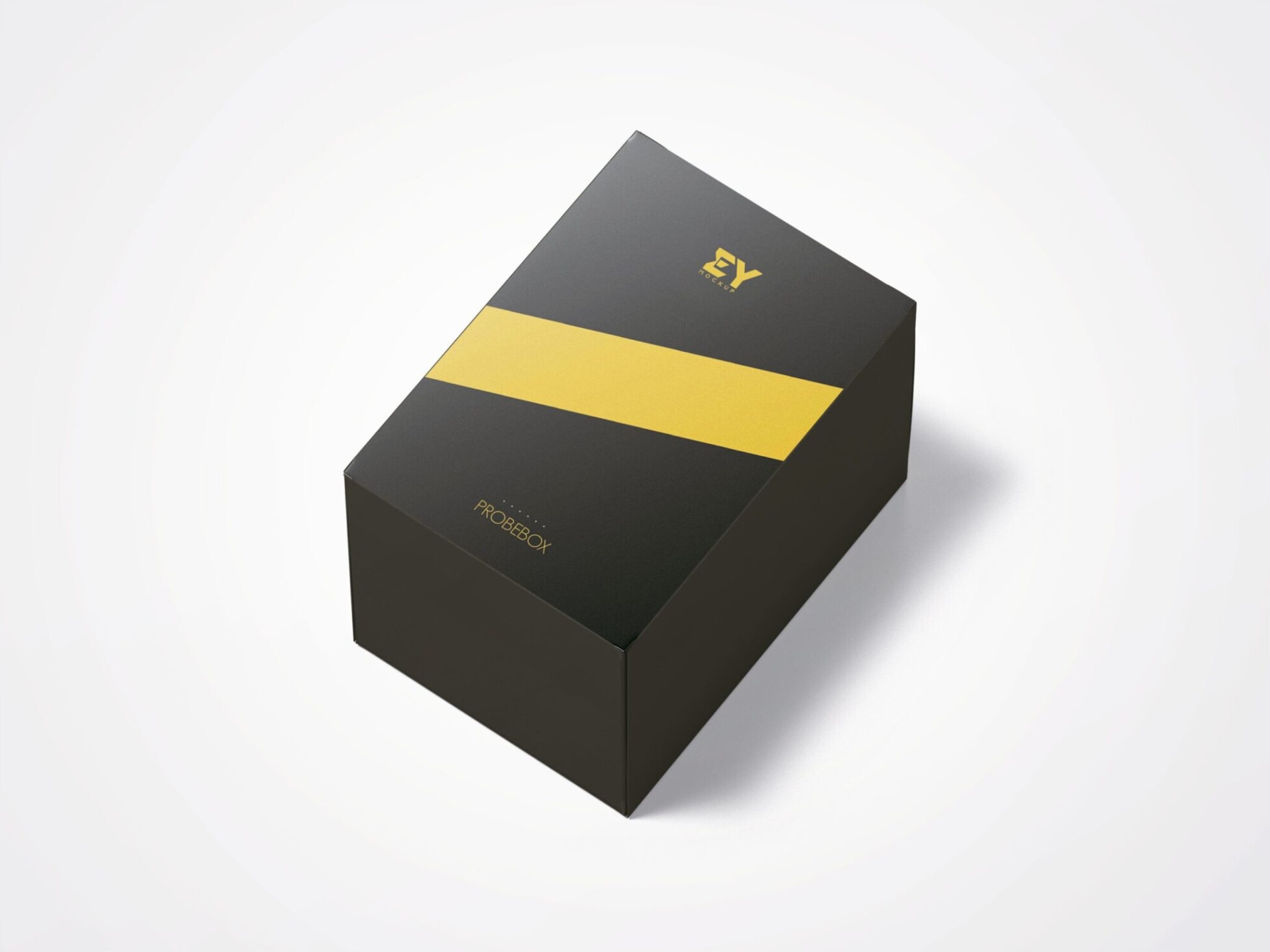
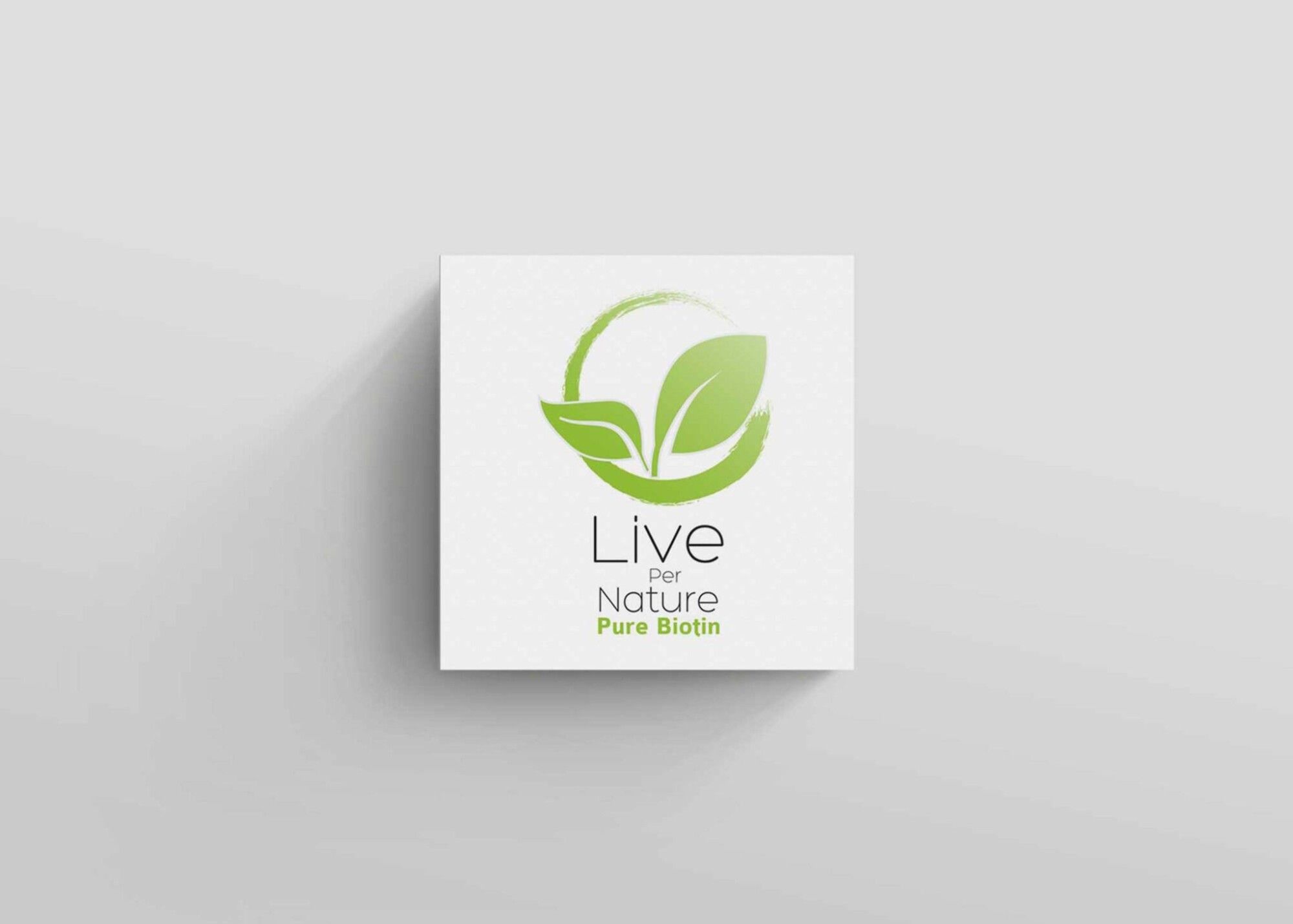
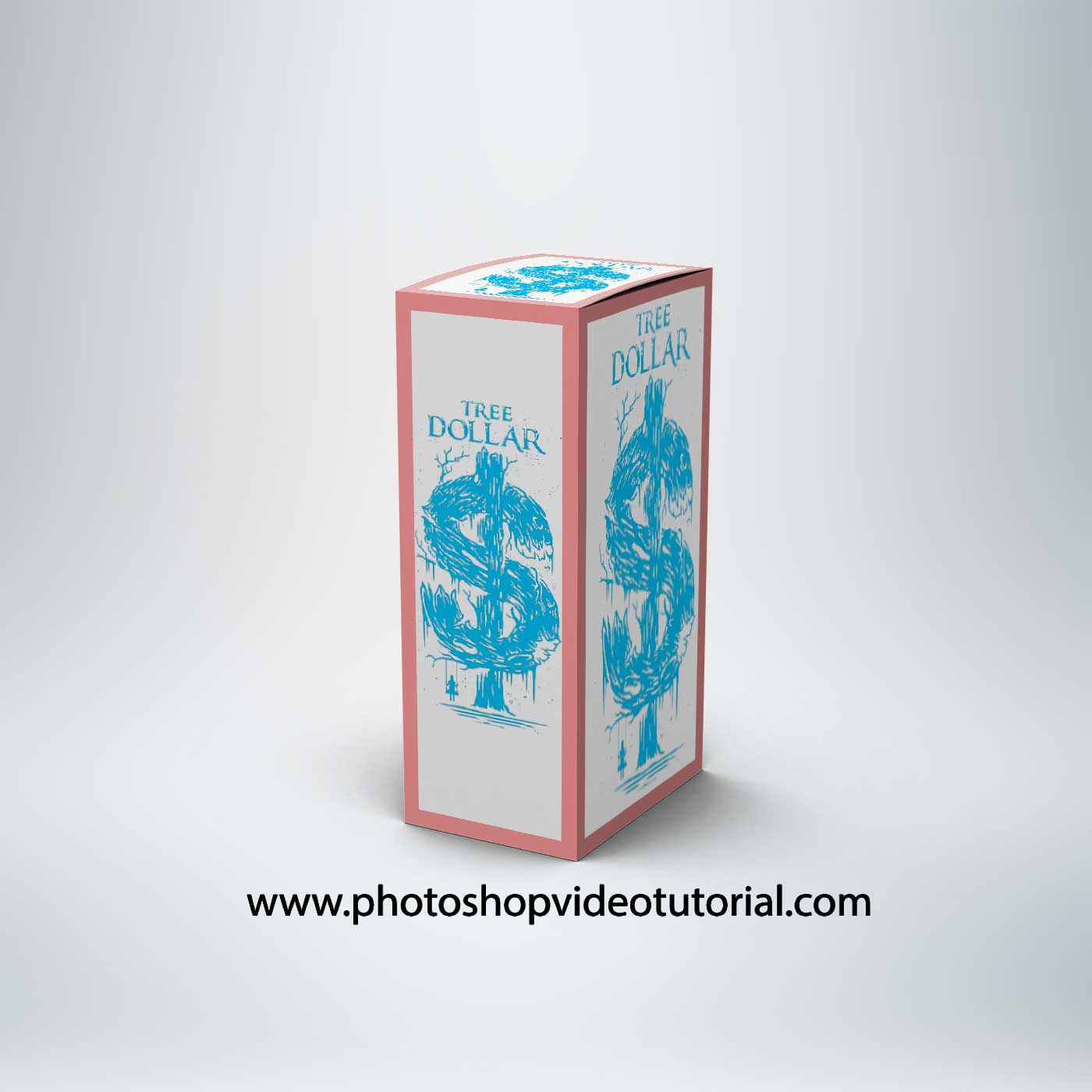
Enhance your packaging presentations with our Free Rectangle Box Hanger Side Mockup. This versatile mockup allows you to showcase your designs in a realistic setting, making it perfect for designers and marketers looking to impress clients or promote products. Easy to use with smart object layers, you can customize the design in just a few clicks, ensuring your artwork stands out.
The mockup features high-resolution graphics and excellent lighting, providing a professional look to your presentations. Whether you’re working on a new packaging concept or need to visualize existing designs, this mockup serves as a valuable tool. Download it now and elevate your branding projects effortlessly.
Hello,This time i would like provide you with various premium box mockup we have collected for you personally.You can place the branding identity designs on the pouch easily via smart objects in a realistic way. You can customize all the aspects like shadow, reflection, and background using the layers.We are presenting free box square & rectanglar mockups to present your designs. These freebies mockup are perfect to present your branding designs. Many of these mockups offer changeable backgrounds and these mockups are easy to use through Smart Objects.
If you find about another free box packaging mockups around that you feel that it may possibly be added along into the list.
All of these Resources are easy to use and can present your information beautifully. Some are free, while others cost a few dollars.More great & free PSD Mockups Collection:
- 3d logo mockup psd free download
- Postcard Mockup PSD free download
- Plastic bottle mockup free download
- eBook Cover PSD Download Mockup
FAQs – Free Rectangle Box Hanger Side Mockup
Can I edit the Free Rectangle Box Hanger Side Mockup in Photoshop?
Yes, the mockup is fully editable in Photoshop using smart object layers for easy customization of your designs.
Does the mockup include high-resolution images?
Absolutely! The mockup is designed with high-resolution images to ensure your presentations look crisp and professional.
What file format is the mockup provided in?
The mockup is typically provided in PSD format, allowing for straightforward editing in Adobe Photoshop.
Is it easy to change the design on the mockup?
Yes, changing the design is simple. Just double-click the smart object layer, replace the content, and save to see your changes.
Do I need special skills to use this mockup?
No special skills are required. Basic knowledge of Photoshop will help you navigate the editing process smoothly.
Can I use this mockup for personal and professional projects?
Yes, the mockup is suitable for both personal and professional use, making it a versatile resource for designers.